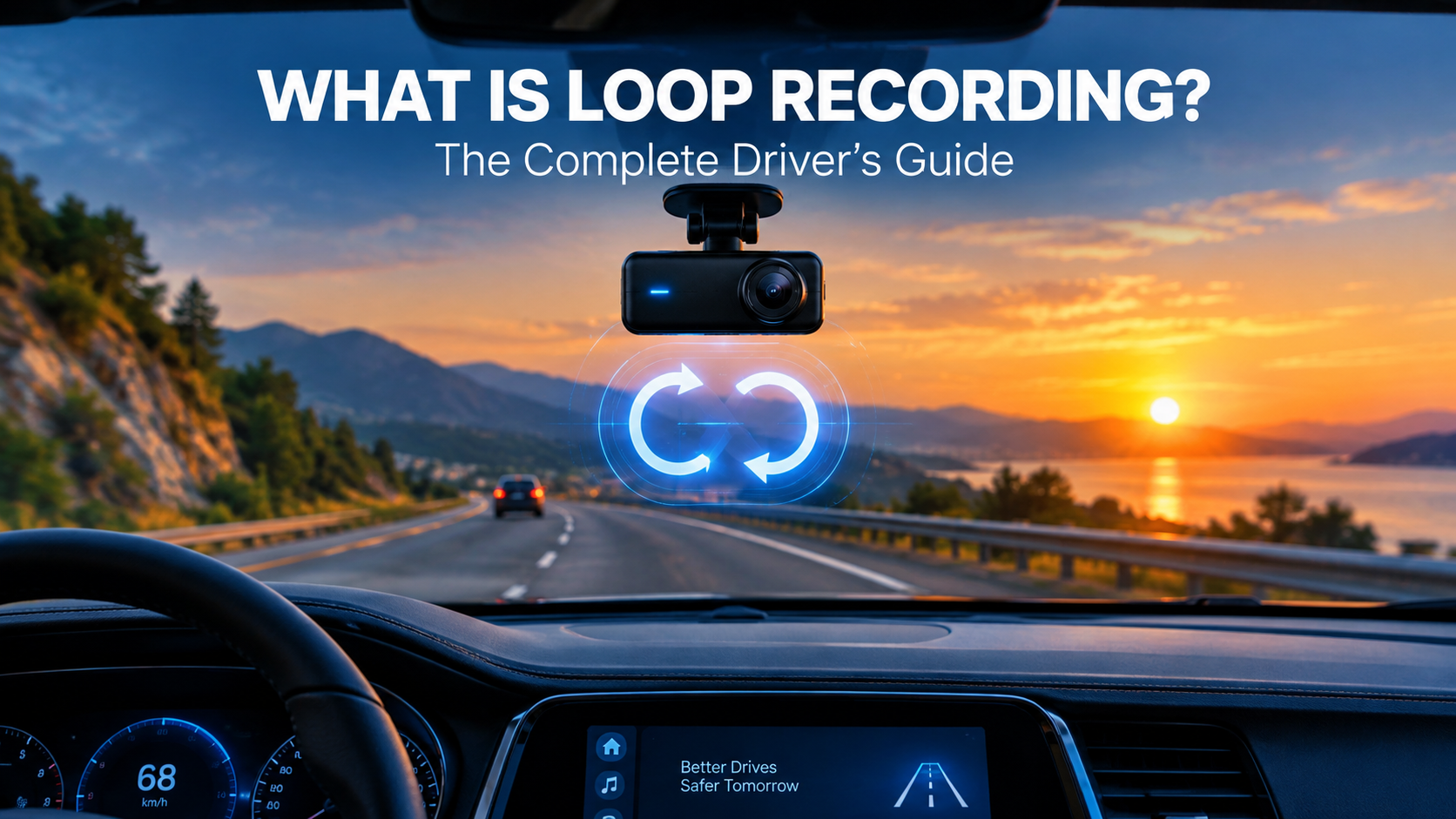
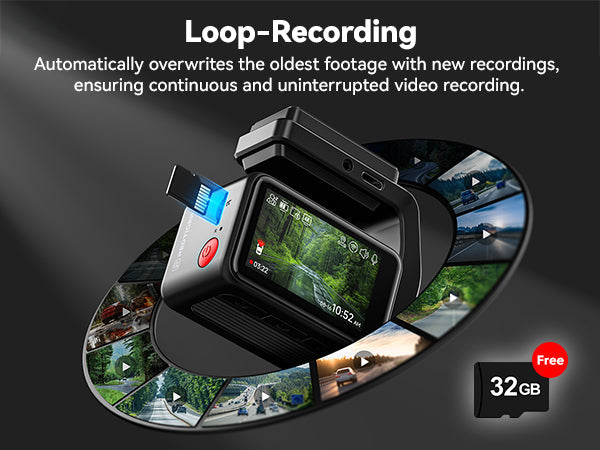
Loop recording on a dash cam is a feature that automatically overwrites the oldest footage when the memory card is full, ensuring continuous recording without manual intervention. If you've ever wondered how dash cams keep recording for hours, days, or even weeks without running out of space, the answer lies in this smart, automatic file management system. I've spent years testing and reviewing dash cams, and loop recording is hands down one of the most important features that makes these devices practical for everyday drivers. Let me walk you through exactly how it works, why it matters, and how to get the most out of it.

How Loop Recording Actually Works
At its core, loop recording divides your video footage into small, manageable segments rather than recording one massive file. Here's the simple breakdown of the process:
- The dash cam records video in short clips, usually 1, 3, 5, or 10 minutes long.
- These clips are saved onto your memory card, typically a microSD card.
- Once the card reaches its storage limit, the dash cam automatically deletes the oldest unlocked clip to make room for new footage.
- The cycle continues indefinitely, so you always have the most recent driving events captured.
This means your dash cam essentially functions like a security camera for your car, constantly rolling and refreshing its storage. The real beauty of this system is that you never have to worry about manually clearing space or replacing cards every few days.
Why Dash Cams Use Segmented Recording
You might be asking, why not just record one long continuous file? The answer comes down to practicality and safety. Smaller files are easier to manage, transfer, and recover if something goes wrong. If your camera suddenly loses power during an accident, a corrupted 10-minute file is much easier to recover than a 4-hour one. Plus, segmented files make it simple to find and save specific moments without scrubbing through hours of footage.
The Benefits of Loop Recording for Everyday Drivers
Loop recording isn't just a fancy tech term; it's a genuine game-changer for anyone who relies on their dash cam. Here are the key advantages I've seen firsthand:
- Continuous protection: Your camera never stops recording, so you don't miss critical moments.
- No maintenance: Forget about manually deleting old files or swapping cards constantly.
- Automatic operation: The dash cam handles everything once you set it up correctly.
- Storage efficiency: You get the most out of smaller, more affordable memory cards.
- Evidence preservation: Important clips can be locked or protected from being overwritten.
I remember testing a dash cam on a road trip through the mountains. The card filled up multiple times, but I never had to think about it. The camera just kept doing its job, and when I finally reviewed the footage, everything was organized in neat, easy-to-navigate segments.
How to Set Up Loop Recording the Right Way
Getting loop recording to work properly is pretty straightforward, but a few settings can make a big difference in performance. Here's what you need to know:
- Choose the right segment length: Most experts recommend 3 to 5 minute clips. Shorter clips create more files but make locating specific events easier. Longer clips are simpler to manage but harder to recover if corrupted.
- Pick a quality microSD card: Not all cards are created equal. Look for high-endurance cards specifically designed for continuous recording, as standard cards wear out quickly under constant writing.
- Set the resolution wisely: Higher resolution means larger files and faster storage consumption. Balance video quality with how much footage you want to keep before overwriting starts.
- Enable G-sensor protection: This feature automatically locks and saves clips when it detects a sudden impact or hard braking, preventing them from being overwritten.
Understanding File Locking and the G-Sensor
One of the smartest features working alongside loop recording is the G-sensor, which acts like a built-in motion detector for your car. When your vehicle experiences a sudden jolt, collision, or even a sharp turn, the G-sensor triggers the dash cam to lock that specific clip. These locked files are stored in a separate folder and are never deleted during the loop cycle. It's like having a digital bodyguard that knows exactly which moments matter most.
I've personally experienced this feature saving the day. A few years ago, someone rear-ended me at a stoplight, and the G-sensor automatically preserved the entire incident on camera. The footage was crystal clear, and the locked file was exactly what my insurance company needed to process the claim quickly.

Common Loop Recording Issues and How to Fix Them
Even though loop recording is designed to be hassle-free, you might run into a few hiccups along the way. Here are the most common problems and their solutions:
- Card full errors: If your dash cam keeps saying the card is full, you might have too many locked files. Periodically back up important footage and clear them from the card.
- Corrupted video files: This usually happens with low-quality or worn-out memory cards. Switch to a high-endurance card and format it every few months.
- Missing footage: If clips seem to disappear too quickly, check your segment length settings. Longer segments take up more space and overwrite less frequently.
- Overheating: Some dash cams shut down in extreme heat to protect internal components. Park in the shade when possible and consider a capacitor-based model if you live in a hot climate.
How Long Can You Store Footage Before Overwriting
The length of time your dash cam keeps footage depends on three main factors: the size of your memory card, the video resolution, and the compression format. As a general rule of thumb, a 32GB card at 1080p resolution typically holds about 4 to 6 hours of footage before loop recording kicks in. With a 128GB card, you might get 20 to 24 hours. Some newer 4K dash cams consume storage much faster, so you might only get 8 to 10 hours on the same card.
Loop Recording vs. Continuous Recording: What's the Difference
These two terms often get confused, but they're actually quite different in practice:
- Loop recording: Automatically overwrites old footage when storage is full, ensuring the camera never stops working.
- Continuous recording: Records without interruption but requires manual file management or larger storage solutions to keep running.
For most drivers, loop recording is the smarter choice. It's low-maintenance, reliable, and ensures you always have a running record of your trips. Continuous recording makes more sense for commercial fleets or professional drivers who need to keep weeks of footage for compliance or training purposes.
The Role of Parking Mode in Loop Recording
Many modern dash cams combine loop recording with parking mode, which is where things get really interesting. When your car is parked and turned off, the dash cam can still monitor your vehicle using motion detection or time-lapse recording. If someone bumps your car or tries to break in, the camera wakes up and captures the event. Thanks to loop recording, these parking incidents are also stored in manageable clips and protected by the G-sensor when impact is detected.
I tested a dash cam with parking mode last winter, and it captured a hit-and-run incident in a parking lot. The footage was crystal clear, and the locked file gave the police exactly what they needed to identify the other driver. Without loop recording and parking mode working together, that evidence would have been lost forever.
Tips for Maximizing Your Loop Recording Experience
After years of using and testing dash cams, I've picked up a few tricks that make loop recording work even better:
- Format your card monthly: This keeps the file system healthy and prevents errors that can corrupt your footage.
- Invest in a high-endurance card: They're specifically built for the constant writing that loop recording demands.
- Set the right resolution: 1080p is usually the sweet spot between quality and storage efficiency.
- Review footage regularly: Make it a habit to check your recordings every week or two to catch any issues early.
- Keep a spare card: Having a backup microSD card can save you if your primary card fails unexpectedly.
Choosing the Right Memory Card for Loop Recording
Not all microSD cards are built for dash cam use. Standard cards are designed for occasional photo and video capture, not the constant writing that loop recording requires. High-endurance cards, on the other hand, are engineered to handle thousands of hours of continuous recording. They cost a bit more, but they're absolutely worth it. Look for cards labeled "high endurance" or "dash cam rated" to ensure you're getting the right type.
How Loop Recording Has Evolved Over the Years
Dash cam technology has come a long way since the early days of bulky, low-resolution cameras. Loop recording itself has evolved significantly:
- Early dash cams: Required manual file management and often had unreliable overwrite functions.
- Mid-generation models: Introduced automatic loop recording with basic G-sensor protection.
- Modern dash cams: Feature smart loop recording with AI-powered event detection, cloud backup options, and seamless integration with smartphone apps.
Today's dash cams are smarter, faster, and more reliable than ever. Some even offer dual-channel recording, capturing both the front and rear of your vehicle simultaneously, all managed through sophisticated loop recording algorithms.
The Future of Loop Recording Technology
Looking ahead, loop recording is likely to become even more intelligent. We're already seeing dash cams with cloud connectivity that automatically upload important clips to remote servers. Some newer models use artificial intelligence to detect specific events, like aggressive driving or road rage, and prioritize those clips for backup. As technology continues to evolve, loop recording will likely become more efficient, more secure, and even more essential for drivers everywhere.
Frequently Asked Questions About Loop Recording on a Dash Cam
Does loop recording delete important footage?
Loop recording only deletes unlocked footage once the memory card is full. Any clip protected by the G-sensor or manually locked by the user is stored in a separate folder and remains safe from automatic deletion.
How do I know if my dash cam is loop recording?
Most dash cams display a recording indicator on the screen or have an LED light that blinks while recording. You can also check the settings menu to confirm that loop recording is enabled and adjust the segment length.
Can loop recording damage my memory card?
Continuous writing does wear out memory cards over time, which is why using a high-endurance card designed for dash cam use is so important. These cards are built to handle the constant writing and last much longer than standard cards.
What happens if my memory card gets full of locked files?
If too many protected clips fill up your card, loop recording can no longer function properly. The dash cam may stop recording or display an error. Regularly back up important footage and clear locked files from the card to keep everything running smoothly.
Is loop recording the same as time-lapse recording?
No, these are different features. Loop recording captures continuous video at normal speed, while time-lapse recording captures frames at set intervals to create a sped-up video. Some dash cams use time-lapse in parking mode to save storage while still monitoring your vehicle.
Final Thoughts on Loop Recording
Loop recording is the unsung hero of dash cam technology. It's the reason these small devices can run for months or even years without any intervention, and it's what makes them such valuable tools for drivers everywhere. From everyday commutes to unexpected incidents on the road, loop recording ensures you always have a reliable witness riding along with you.
If you're new to dash cams or looking to get more out of your current setup, take some time to explore your loop recording settings. Choose the right card, set sensible segment lengths, and make sure your G-sensor is calibrated properly. These small steps can make a huge difference in the quality and reliability of your footage. Drive safe, and let your dash cam do the remembering for you.