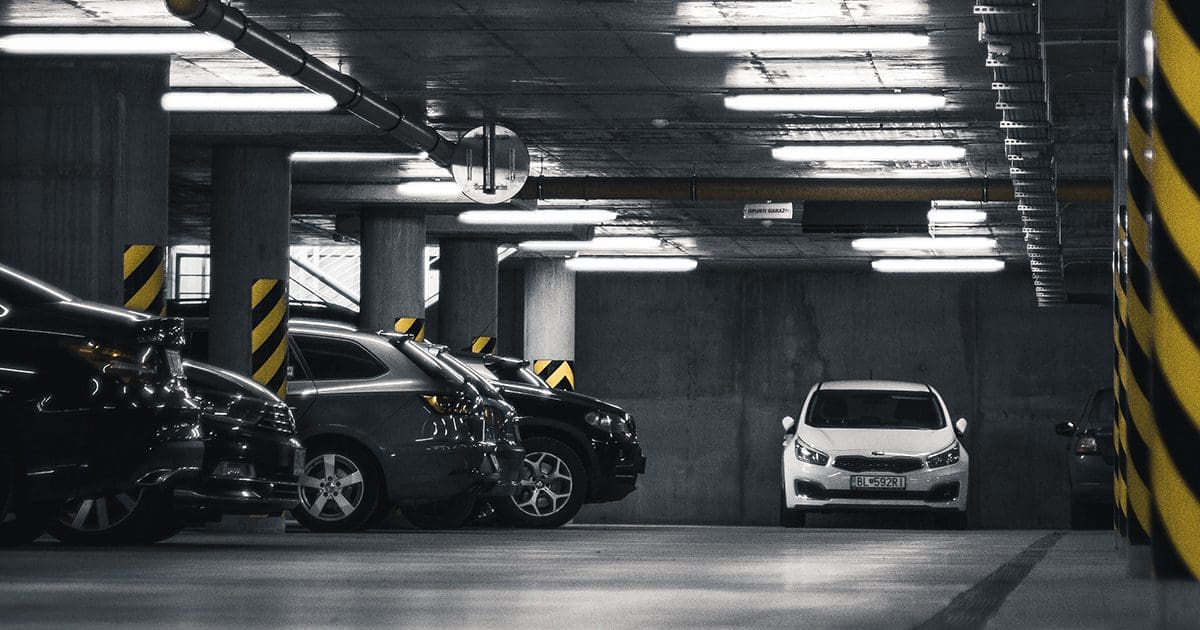
Parking mode is a feature that lets your dash cam keep recording while the vehicle is turned off and parked, protecting it from theft, hit-and-runs, and vandalism.
Think about it for a second. You walk out to your car in the morning, ready to start your day, and you notice a long scratch down the side of your door. There's no note. No witness. Just a dent and a bad feeling in your stomach. Now imagine if your dash cam had been quietly watching the whole time. That's exactly what parking mode does. It's like having a silent security guard for your car, always on duty, even when you're not around. Over the years of testing dozens of dash cams and helping fellow drivers pick the right one, I've seen parking mode turn a hopeless insurance claim into a solved case more times than I can count. Let's walk through what parking mode really is, how it works, and why it might be the most important feature you never knew your dash cam had.
What Exactly Is Parking Mode on a Dash Cam
Parking mode is a specialized recording function that activates when your car's ignition is off. Unlike normal recording, which only runs while you're driving, parking mode keeps your dash cam awake and ready to capture any motion, impact, or event that happens around your parked vehicle.
Here's a simple way to think about it. Normal dash cam recording is like a security camera in a mall. It runs all day while people walk around. Parking mode is like that same camera switching to motion detection at night, only turning on when something actually happens. This smart approach saves power, saves storage, and still gives you a watchful eye when you need it most.
Most modern dash cams with parking mode rely on one of three detection methods. They either sense motion in the camera's field of view, feel an impact through a built-in G-sensor, or detect movement through a combination of both. When triggered, it automatically saves a short video clip so you can review what happened later.
How Parking Mode Works Behind the Scenes
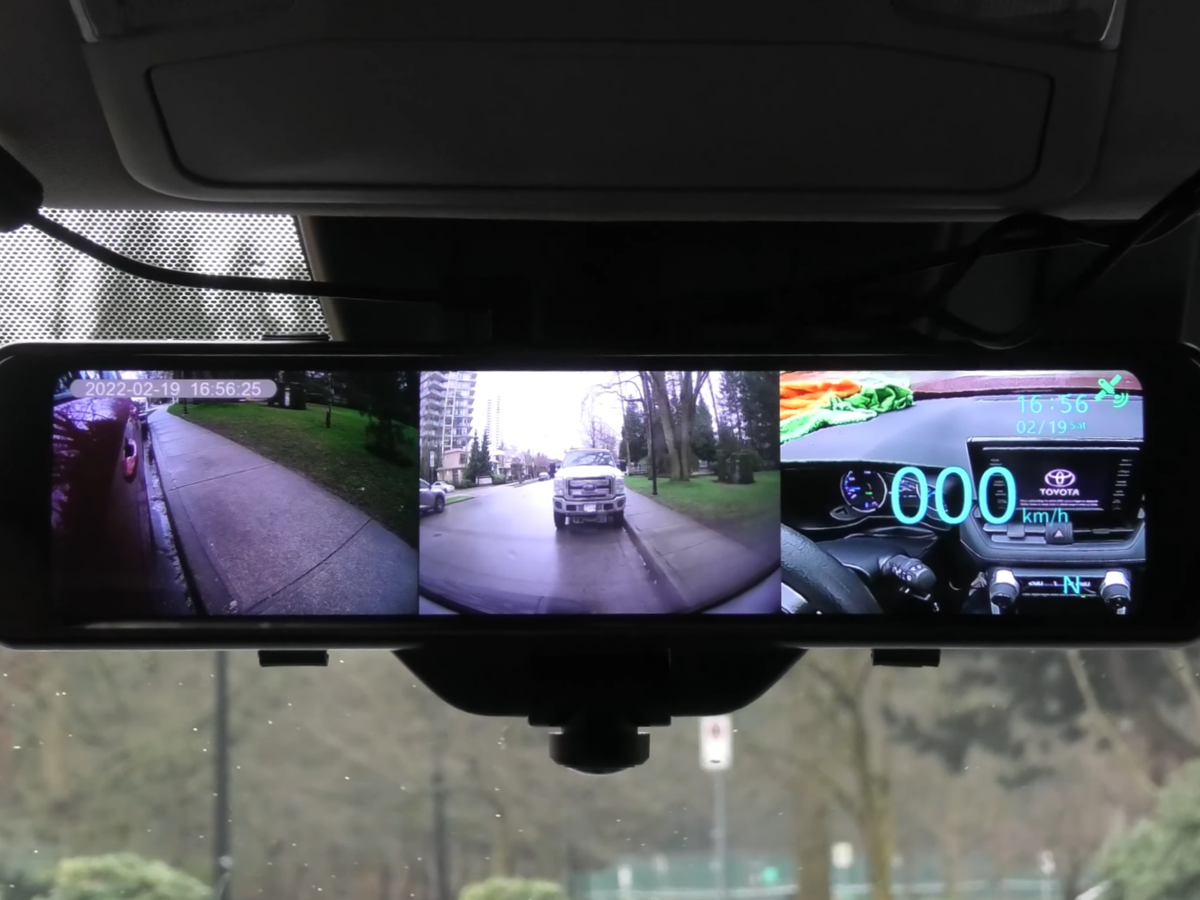
Understanding how parking mode actually works can help you set it up the right way. Here's a friendly breakdown of the process.
Detection Sensors Trigger Recording
Dash cams use either a motion sensor, an accelerometer (G-sensor), or both to detect activity. If someone walks too close to your car or bumps your bumper, the camera wakes up and captures the moment.
Footage Is Saved Automatically
Once triggered, the dash cam records a short video, usually between 10 seconds and 1 minute, and locks it into a separate folder so it doesn't get overwritten later.
Power Source Keeps It Running
Parking mode needs power even when the engine is off. Most setups rely on one of three options:
- Hardwiring kit connected directly to your car's battery
- External battery pack designed for dash cams
- Built-in battery that only supports short bursts of recording
Loop Recording Handles Storage
Your dash cam records over old files to save space. The locked parking mode clips are protected from being deleted automatically, so you always have the evidence you need.
Time-Lapse Option for Constant Coverage
Some dash cams offer a time-lapse parking mode. Instead of waiting for motion, the camera records continuously at a low frame rate. It's a neat way to cover long parking periods without filling up your storage.
Why Parking Mode Is Worth Every Penny
Let me tell you a quick story. A friend of mine parked outside a coffee shop one morning. When she returned, her side mirror was hanging by a wire. The culprit was gone. A few weeks later, after installing a hardwired dash cam with parking mode, the same thing happened. This time, the camera caught the delivery truck that clipped her mirror and kept rolling down the street. She had the license plate, the video, and a successful insurance claim. That's the power of parking mode.
Here are the main benefits I've seen over years of real-world use:
- Captures hit-and-runs that happen while you're away
- Records vandalism attempts and break-ins
- Documents parking lot dings and door dings
- Provides evidence for insurance disputes
- Discourages thieves who spot a blinking dash cam
- Monitors your car in unfamiliar or high-risk areas
- Helps with legal protection if false claims are made against you
It's one of those features you hope you never need but feel grateful to have when the moment comes.
Different Types of Parking Mode Explained
Not all parking modes work the same way. Knowing the difference can help you choose the right setup for your driving life.
Motion Detection Parking Mode
The camera stays in standby and begins recording the moment it sees movement. It saves power and storage but may miss events that happen just outside its field of view.
Impact or G-Sensor Parking Mode
This mode triggers only when the camera feels a bump. It uses very little power and is perfect for tight parking spots or garages.
Time-Lapse Parking Mode
The camera records nonstop at a low frame rate, usually 1 to 5 frames per second. You get full coverage without filling your memory card.
Buffered vs Non-Buffered Recording
Buffered recording saves footage from a few seconds before the trigger, giving you the lead-up to the event. Non-buffered recording only saves what happens after the trigger. Buffered is always my pick because context matters.
Common Limitations of Parking Mode You Should Know
I'll be honest with you. Parking mode isn't perfect. Here are some limits I've come across during my own testing and from talking to other drivers.
- Hardwired setups can drain your car battery if not installed properly
- Some cheaper dash cams only record for a few minutes before shutting off
- Motion detection can miss fast-moving events at the edges of the frame
- Extreme cold weather can affect built-in battery performance
- Constant recording fills memory cards faster
- Some vehicles with sensitive electronics may need a professional installation
Knowing these limits helps you avoid surprises and get the most out of your setup.
Tips for Getting the Best Out of Parking Mode
If you're thinking about using parking mode or already have it, here are some friendly tips based on my own trial and error.
- Use a hardwiring kit with a voltage cutoff to protect your car battery
- Pick a high-endurance memory card designed for constant writing
- Position the dash cam where it has a clear view of both sides of the car
- Adjust the motion sensitivity to avoid false triggers from passing shadows
- Format your memory card once a month to keep it healthy
- Test the feature after installation by walking past your own car
- Consider an external battery pack if you park for long periods
Think of these tips as the difference between a basic setup and a setup that actually works when it counts.
How to Set Up Parking Mode the Right Way
Setting up parking mode isn't hard, but a few small choices can make a big difference in how well it works. Here's a simple step-by-step approach I've followed many times.
- Choose a dash cam that supports your preferred parking mode style
- Buy a hardwiring kit compatible with your dash cam and vehicle
- Connect the kit to a constant fuse for power and an ignition-switched fuse for smart on/off
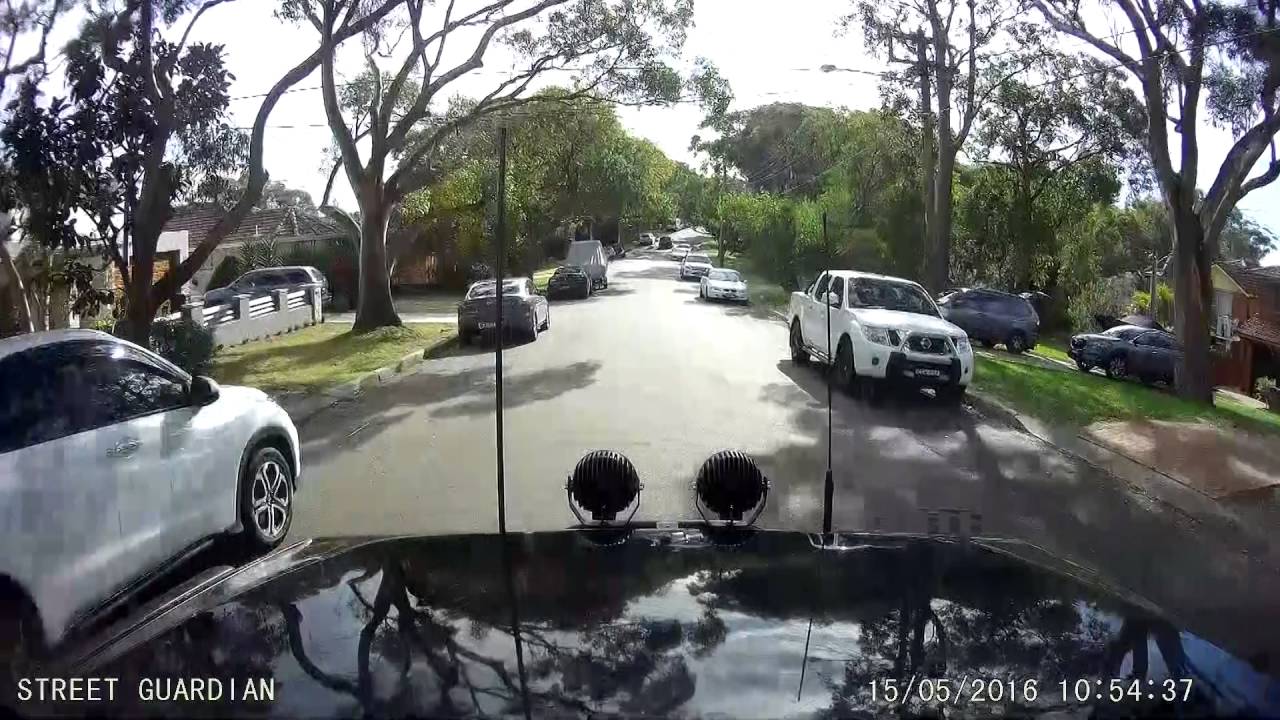
- Mount the dash cam behind your rearview mirror for the best view
- Enable parking mode in the dash cam settings
- Set the G-sensor sensitivity to medium or low to avoid false alerts
- Test the feature by lightly tapping your parked car and checking the saved clip
If hardwiring feels too technical, you can also use a dedicated dash cam battery pack. It plugs into your car's 12V outlet or charges at home, then powers the dash cam when the engine is off. It's a great option for renters or anyone who doesn't want to touch their car's wiring.
When Parking Mode Becomes a Must-Have
Not everyone needs parking mode, but for some drivers, it's a real game changer. Let me share who I think benefits most.
- Rideshare drivers who park in busy urban areas
- Owners of new or luxury cars that attract attention
- People who park on the street overnight
- Drivers who live in areas with high vandalism or theft
- Anyone who wants peace of mind while traveling or commuting
- Fleet owners who need to monitor multiple vehicles
- Parents with teen drivers who want extra security
If any of these sound like your situation, parking mode is probably worth the investment.
How Parking Mode Affects Your Dash Cam's Memory Card
Storage is something most people forget about until their dash cam stops recording. Parking mode puts more stress on your memory card than normal driving mode because of the constant writing and rewriting. Here's what I've learned from years of testing.
- Use a card rated for dash cam or surveillance use
- Choose a card that is at least 64GB for daily drivers
- 128GB or higher is great for long commutes or time-lapse mode
- Replace your memory card every 12 to 24 months
- Avoid bargain-bin cards that fail under constant use
A cheap memory card is the most common reason parking mode fails when you need it most. Don't skip this step.

How Parking Mode Helps With Insurance Claims
One of the biggest reasons I recommend it to every driver is its power during insurance disputes. Let me give you a real-world example.
A colleague of mine had his car parked outside his apartment. A driver side-swiped his bumper and drove off without leaving a note. The video from his parking mode caught the entire event, including the license plate. His dash cam paid for itself within a week.
Insurance companies love video evidence. It clears up who is at fault, speeds up the claim, and protects you from fraud. If you've ever been blamed for a parking lot accident you didn't cause, you know how valuable that can be.
Future of Parking Mode and Smart Dash Cams
The dash cam world is moving fast. Newer models now include AI-powered parking mode that can tell the difference between a person, a car, or an animal. Some even push live alerts to your phone the moment an event is detected. Cloud storage, smartphone apps, and 4K resolution are making parking mode sharper and smarter than ever.
If you're shopping for a new dash cam, look for features like:
- Buffered recording for full event context
- AI motion detection to reduce false alerts
- Cloud connectivity for remote live viewing
- Energy-saving modes that protect your battery
- Voice alerts for hands-free updates
These are the kinds of features that make parking mode feel like a 24/7 digital witness.

Frequently Asked Questions About Parking Mode on Dash Cams
Does parking mode drain my car battery?
If installed correctly with a hardwiring kit and voltage cutoff, parking mode will not drain your battery. The cutoff turns off the camera when your battery reaches a safe level. A poor installation without a cutoff can drain your battery over time, so always check your setup.
Can I use parking mode without hardwiring my car?
Yes, some dash cams have a built-in battery or work with an external battery pack. These options are great for short-term parking but are not ideal for long-term or overnight use since they have limited capacity.
How long does parking mode record?
It depends on your power source and settings. Some dash cams can record for several hours on a full battery pack. A hardwired setup with a voltage cutoff can record for days or even weeks while still protecting your battery.
Do all dash cams have parking mode?
No, not all dash cams offer parking mode. It is usually found in mid-range and high-end models. Always check the product description or settings menu to confirm the feature before buying.
Is parking mode the same as motion detection?
Not exactly. Motion detection is one type of parking mode trigger. Parking mode can also use impact detection, time-lapse recording, or a mix of all three. They are related but not the same thing.
Wrapping It All Up
Parking mode is one of those quiet, behind-the-scenes features that can make a huge difference when you least expect it. It watches your car while you're shopping, sleeping, or on vacation. It captures the moments you would otherwise miss and gives you the evidence you need when life takes an unexpected turn.
If you've ever dealt with a hit-and-run, a mystery scratch, or a parking lot dispute, you already know how frustrating it can be. A dash cam with parking mode gives you a voice in those moments. It's peace of mind, protection, and proof, all rolled into one small device.
If you're thinking about upgrading your dash cam or installing one for the first time, make sure parking mode is on your checklist. Look for buffered recording, a reliable power source, and a high-endurance memory card. Trust me, your future self will thank you.
Have a question or a parking mode story of your own? Drop it in the comments below. I'd love to hear how your dash cam has your back, even when your car is parked and you're miles away.