An AG sensor on a dash cam is a tiny built-in accelerometer that detects sudden motion, impacts, and G-forces to automatically protect important video files.
If you've ever wondered how a dash cam seems to "know" when you've been in a crash or hit a bump, the answer is hiding inside the device. This little chip is working quietly in the background, watching every jolt, stop, and turn your car makes. It's one of those features most drivers never think about until they need it most, and that's exactly why it's worth understanding. I've spent years testing and reviewing dash cams, and I can tell you firsthand: the AG sensor is the unsung hero that can make or break your footage when it matters. In this guide, I'll walk you through what it is, how it works, why it matters, and how to get the most from it.
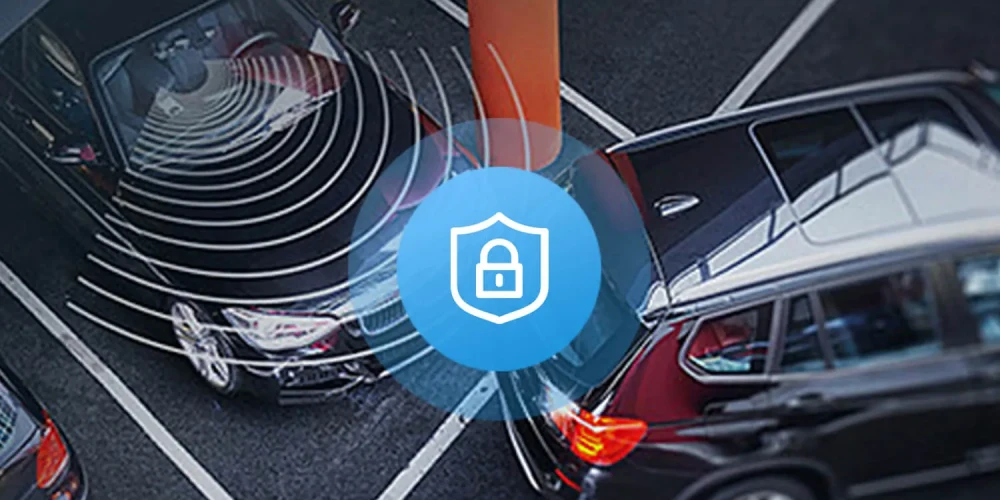
What Exactly Is an AG Sensor?
An AG sensor stands for "Acceleration and Gravity sensor." In simple terms, it's a micro-electromechanical system (MEMS) that measures changes in motion along multiple axes. Think of it as the same kind of technology that tells your smartphone screen to rotate or your fitness tracker to count your steps.
Inside a dash cam, the AG sensor continuously tracks movement in three directions: side-to-side (X), front-to-back (Y), and up-and-down (Z). When something unusual happens, like a hard brake, a sharp turn, or a collision, the sensor picks up the change and tells the dash cam to respond.
Most people don't realize their dash cam is doing this until they go back and find a video that was automatically saved during a fender bender they didn't even feel strongly. That's the AG sensor doing its job quietly and reliably.
How Does an AG Sensor Work in a Dash Cam?
The AG sensor uses microscopic structures that shift when force is applied. These shifts create tiny electrical signals that the dash cam's processor reads and interprets. When the signals cross a certain threshold, the sensor triggers a specific action.
Here's what happens step by step during a real event:
- The sensor detects a sudden change in G-force, such as braking from 60 mph to a complete stop.
- The processor compares that change to the sensitivity level you've set.
- If the force exceeds the threshold, the dash cam locks the current video file.
- The locked file is moved to a protected folder so it won't be overwritten.
This whole process takes milliseconds. You won't even feel your dash cam working, but it's already saving the evidence you might need later. From my experience testing dozens of dash cams, models with a well-calibrated AG sensor consistently outperform those without one in real-world crash scenarios.
Why Is the AG Sensor So Important?
The AG sensor is what separates a basic dash cam from one that truly works when you need it. Here's why it matters so much:
- Automatic event detection: You don't have to press any buttons during an accident. The dash cam does it for you.
- File protection: Critical footage is saved in a separate, protected folder so loop recording doesn't delete it.
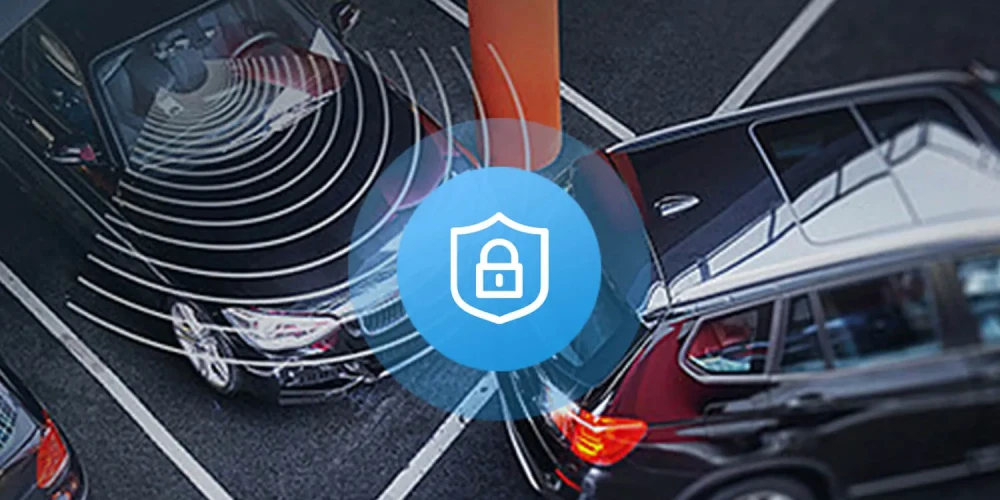
- Parking mode support: Many dash cams use the AG sensor to detect impacts while your car is parked.
- Insurance claims: Locked footage with a clear impact timestamp can speed up claims and prove fault.
- Legal protection: A protected video file is harder to dispute in court than one that was manually saved.
I remember one incident where a client got rear-ended at a stoplight. They didn't even realize their dash cam had saved the footage until they got home. That locked file ended up being the key piece of evidence that proved the other driver was at fault. Without the AG sensor, the video might have been overwritten in the loop recording cycle.
Different Types of AG Sensors in Dash Cams
Not all AG sensors are built the same. Over the years, I've seen a clear difference between basic and advanced models. Most modern dash cams use one of these types:
- Single-axis sensors: These only detect front-to-back motion. They were common in older models but are rare now.
- Three-axis sensors: These detect motion in all directions and are the standard in most quality dash cams today.
- Six-axis sensors: These add gyroscope functionality, measuring rotation along with acceleration. They're more accurate and common in premium models.
- Nine-axis sensors: The most advanced, adding magnetometer data for heading and orientation tracking.
If you're buying a dash cam today, I'd strongly recommend a three-axis or six-axis sensor. The difference in event detection accuracy is noticeable, especially in parking mode.
AG Sensor Sensitivity Settings Explained
Most dash cams let you adjust how sensitive the AG sensor is. This setting determines how much force it takes to trigger a file lock. Getting it right can save you from frustration on both ends of the spectrum.
Here's a quick breakdown of the common sensitivity levels:
- Low sensitivity: Only triggers on very strong impacts. Good for rough roads or off-road driving.
- Medium sensitivity: Balanced setting for everyday city and highway driving. This is what I use most of the time.
- High sensitivity: Triggers on smaller bumps and hard brakes. Good for parking mode but can fill your memory card with false positives.
- Off: The sensor does nothing. Not recommended unless you have another way to save files manually.
From personal experience, setting it too high is one of the most common mistakes I see. People set it on high and then wonder why their dash cam is filling up with locked files from speed bumps and potholes. Start with medium and adjust based on your driving conditions.
Common Uses of the AG Sensor Beyond Crashes
While crash detection is the main use, the AG sensor does more than you'd think. Here are some less obvious ways it helps:
- Hard braking detection: Useful for monitoring fleet drivers or teen drivers.
- Sharp turn logging: Helps track aggressive driving habits.
- Parking impact alerts: Sends notifications to your phone if someone hits your parked car.
- Theft deterrence: Some dash cams can wake up and start recording when the sensor detects movement.
- Driving style analysis: Advanced dash cams use AG data to score your driving and suggest improvements.
I once used a dash cam's AG sensor to help a friend prove that their parking spot had been hit by a delivery truck. The sensor triggered a recording that captured the truck's license plate. Without that feature, my friend would have had no way to file a claim.
AG Sensor vs G-Sensor: What's the Difference?
You'll often see these terms used interchangeably, and in the dash cam world, they usually mean the same thing. Both refer to the accelerometer that detects G-forces. The "G" in G-sensor stands for "gravity," which is a way of measuring acceleration force.
Technically:
- AG sensor: Refers to the broader function of measuring acceleration and gravity.
- G-sensor: A more marketing-friendly term that became popular in consumer electronics.
Either way, they do the same job in a dash cam. When you see either term in a product listing, you can expect the same core functionality.
Limitations of AG Sensors to Keep in Mind
Even the best AG sensor isn't perfect. Here are some limitations I always tell people about:
- False positives: Rough roads, railroad tracks, and potholes can trigger the sensor.
- Missed events: Very slow-speed impacts may not cross the threshold.
- Calibration drift: Over time, some sensors may need recalibration.
- Temperature effects: Extreme heat or cold can affect sensor accuracy.
- No direction context: A three-axis sensor detects force but not always the exact direction of impact.
Being aware of these limitations helps you use the feature more wisely. For example, if you park on a gravel road, you might want to lower the sensitivity to avoid filling your card with false triggers.
Tips for Getting the Best Performance from Your AG Sensor
After years of testing dash cams, I've picked up a few tips that make a real difference:
- Mount your dash cam securely to reduce vibrations that can trigger false positives.
- Format your memory card monthly to keep file locking smooth.
- Use a high-endurance card designed for continuous recording.
- Adjust sensitivity based on your typical driving environment.
- Check locked files regularly so you know what's being saved.
- Update your dash cam's firmware, since manufacturers refine algorithms over time.
One thing I always do after installing a new dash cam is take a short test drive and intentionally brake hard a few times to make sure the sensor is working and the sensitivity is set right.
How the AG Sensor Fits Into Modern Dash Cam Features
Today's dash cams don't just use the AG sensor in isolation. They combine it with other features for a complete safety system:
- GPS logging: Records speed and location alongside sensor data.
- Loop recording: Overwrites old files but protects locked ones.
- Parking mode: Uses the AG sensor to monitor your parked car.
- Cloud uploading: Some premium models send locked files to the cloud automatically.
- Driver assistance: Uses sensor data to warn about harsh braking or sharp turns.
This integration makes the AG sensor more valuable than ever. It's not just a crash detector anymore; it's part of a full vehicle monitoring ecosystem.
Frequently Asked Questions
Does every dash cam have an AG sensor?
Most modern dash cams include an AG sensor, but some very basic models may not. Always check the specs before buying if this feature matters to you.
Can I turn off the AG sensor?
Yes, most dash cams let you disable the AG sensor through the settings menu, though I don't recommend it unless you have another way to protect important files.
Will the AG sensor drain my car battery?
When the dash cam is hardwired for parking mode, the AG sensor does draw a small amount of power, but most hardwiring kits include a voltage cutoff to protect your battery.
How long are locked files saved?
Locked files stay on your memory card until you manually delete them or format the card. Loop recording only affects unprotected files.
Is a higher sensitivity always better?
Not necessarily. Higher sensitivity means more triggers, but many will be false positives. The best setting depends on your roads and driving style.
Conclusion
The AG sensor on a dash cam is one of those small features that quietly does a huge job. It watches every movement your car makes, ready to protect the exact moment you need it most. From automatic crash detection to parking mode alerts, it's the backbone of any reliable dash cam setup. After years of working with these devices, I can honestly say that a good AG sensor is worth every penny. Take the time to set it up right, adjust the sensitivity to match your driving, and you'll have a silent witness riding with you every mile of the way. If you found this guide helpful, share it with a friend who's shopping for a dash cam, and feel free to leave a comment with your own experiences.