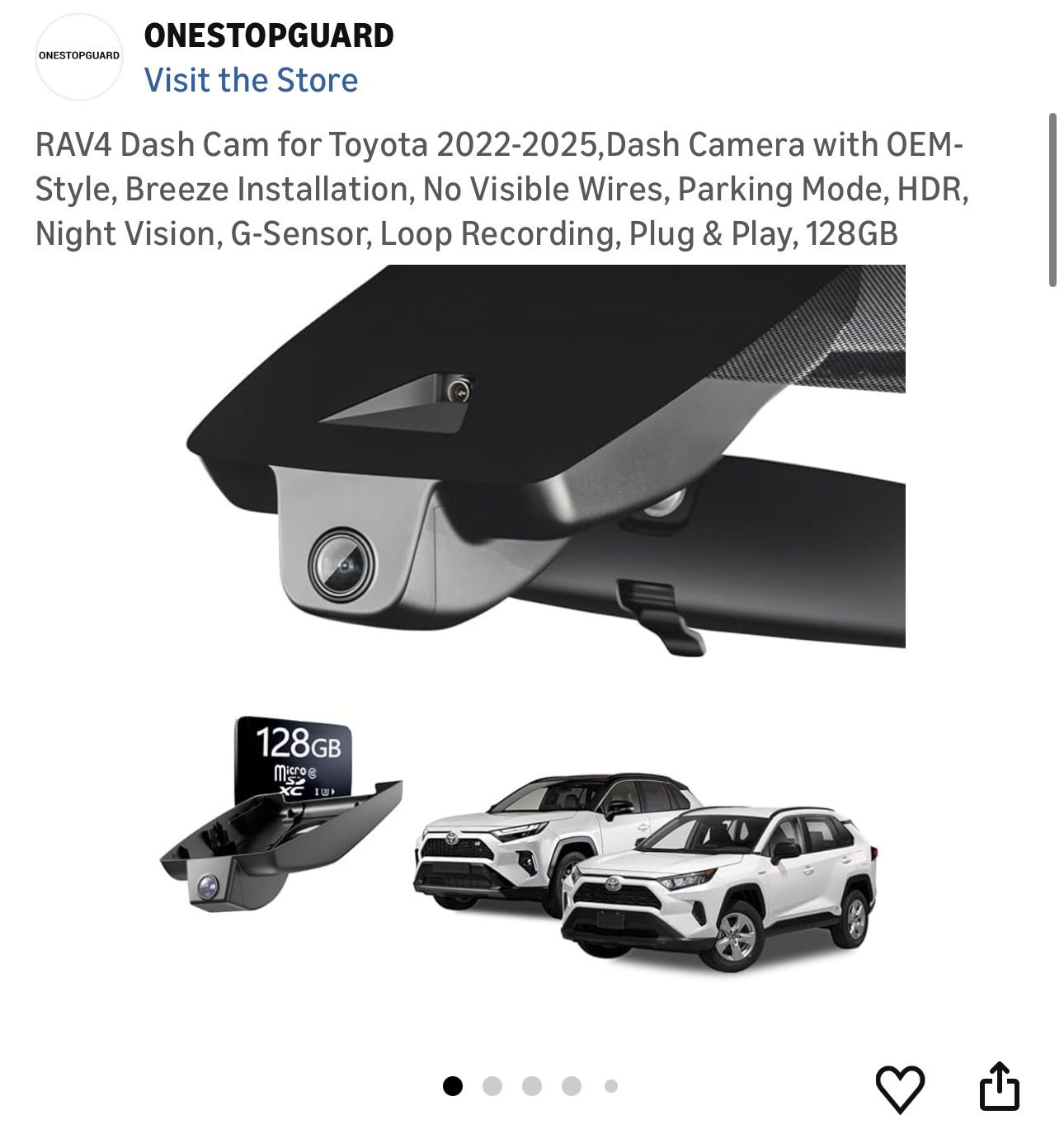
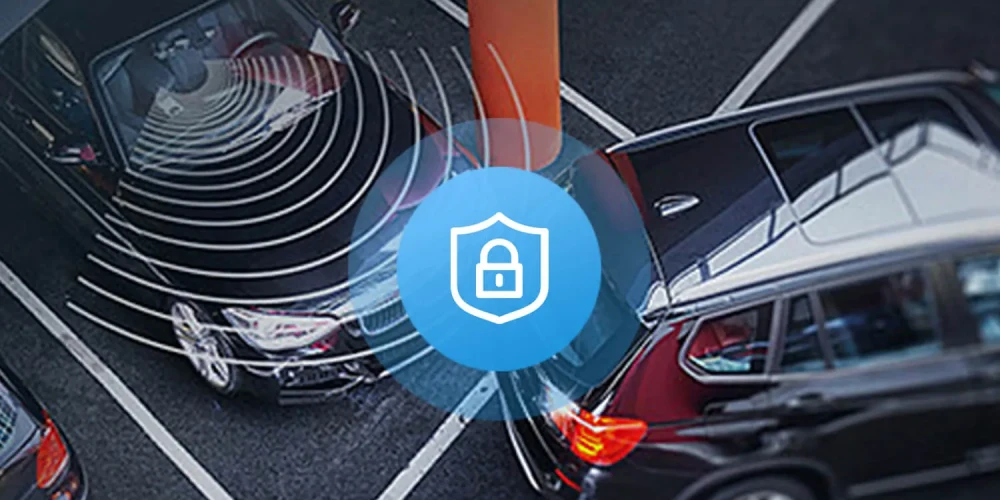
A G sensor in a dash cam automatically detects sudden impacts or harsh movements and locks the recording to protect crucial footage from being overwritten.
If you've ever wondered how dash cams manage to save the exact moment of a crash without you pressing a single button, the answer lies in a tiny but powerful feature called the G sensor. As someone who has tested dozens of dash cams over the years, I can tell you this little piece of tech is one of the most important safety features in any modern vehicle recording device. In this article, I'm going to break down everything you need to know about what a G sensor is, how it works, and why it matters more than you might think.
What Exactly Is a G Sensor in a Dash Cam
At its core, a G sensor (also called a gravity sensor or impact sensor) is a small accelerometer built into your dash cam. It measures forces acting on your vehicle in real time, including acceleration, braking, and sharp turns. The "G" stands for gravitational force, and the sensor measures how many G forces your car experiences during movement.
Think of it like this. When you're driving normally, the G sensor reads gentle, steady values. But the moment you slam on the brakes, hit a pothole, or get rear-ended, the sensor detects that sudden spike in force and triggers a special response in your dash cam. It instantly saves the current footage and locks it into a protected folder so it can't be erased by the loop recording feature.
I've personally seen this save drivers from insurance headaches. One of my friends was in a parking lot fender bender, and while he was too shaken up to think about saving footage manually, his dash cam had already locked the video automatically. That clip became the deciding factor in his insurance claim.
How Does a G Sensor Actually Work
The science behind a G sensor is surprisingly straightforward, but the engineering is pretty clever. Inside the sensor, there are tiny microscopic structures that shift when force is applied. These shifts get converted into electrical signals that your dash cam's processor can read and interpret.
Here's a simple breakdown of the process:
- The accelerometer detects changes in motion across multiple axes (typically X, Y, and Z)
- It continuously measures the rate of acceleration in those directions
- When the force crosses a set threshold, the sensor flags the event
- The dash cam software receives this flag and immediately protects the current recording
- A protected file is created that won't be overwritten during normal loop recording
The threshold is what determines sensitivity. Most dash cams let you adjust this in the settings menu, which is something I'll cover later in this article.
Why the G Sensor Matters for Drivers
Let me be honest with you, before I started really getting into dash cams, I didn't pay much attention to the G sensor feature. I thought it was just a fancy add-on. But after testing multiple units and experiencing real-world scenarios, my opinion changed completely.
Here's why this feature is so valuable:
- Automatic evidence preservation during collisions or sudden stops
- Protection against hit-and-run incidents while parked (when paired with parking mode)
- Detection of aggressive driving events like hard cornering or emergency braking
- Peace of mind knowing critical footage is never accidentally deleted
- Support for insurance claims with timestamped, locked video evidence
Imagine you're driving on the highway and someone cuts you off, causing you to brake hard. Without a G sensor, that moment might get recorded over within minutes. With a G sensor active, that exact clip gets locked away safely.
G Sensor Sensitivity Settings Explained
One thing I wish more manufacturers explained better is how to adjust G sensor sensitivity. Too sensitive, and your dash cam will lock files every time you hit a speed bump. Too low, and it might miss an actual collision. Finding that sweet spot is key.
Most dash cams offer three standard sensitivity levels:
- Low sensitivity: Best for smooth highways and city driving with few bumps
- Medium sensitivity: A balanced setting that works for most daily drivers
- High sensitivity: Ideal for off-road conditions or areas with rough pavement
From my own experience, I keep mine set to medium most of the time. But when I drove through some rural areas with terrible roads, I bumped it up to high so I wouldn't accidentally lock unnecessary clips.
Common G Sensor Limitations You Should Know
While G sensors are genuinely useful, they're not perfect. I want to be transparent about a few limitations I've personally encountered.
First, false positives happen. If you set the sensitivity too high, your dash cam might lock files when you close your car door hard or drive over a rough patch of asphalt. This fills up your memory card with unnecessary protected files.
Second, not all G sensors are created equal. Cheaper dash cams often use lower-quality accelerometers that may miss subtle impacts or trigger too easily. I learned this the hard way with a budget unit that completely missed a side-swipe incident.
Third, G sensors work best when properly calibrated. If your dash cam is mounted at an awkward angle, the sensor readings might not be accurate. Always mount your dash cam according to the manufacturer's instructions.
G Sensor vs Parking Mode: What's the Difference
A question I get asked all the time is how the G sensor relates to parking mode. These two features often work together, but they serve different purposes.
Parking mode keeps your dash cam recording (or on standby) while your car is parked and turned off. It monitors the surroundings for any activity. The G sensor, when active during parking mode, wakes up the camera and starts recording the moment it detects an impact, like someone bumping your car in a parking lot.
So think of parking mode as the watchful eye, and the G sensor as the alarm system that triggers the recording. If your dash cam only has one of these features, you're missing out on a major layer of protection.
Tips for Getting the Most Out of Your G Sensor
After years of testing and using dash cams daily, I've picked up a few practical tips that make a real difference:
- Format your memory card regularly to prevent locked files from filling up storage
- Adjust sensitivity based on your driving environment, not just the default setting
- Check your protected files folder weekly to make sure the sensor is working properly
- Pair your G sensor with a high-endurance memory card designed for constant recording
- Mount your dash cam firmly to avoid vibration triggering false positives
Trust me, that last tip about vibration is something I overlooked for the longest time. A loose mount will give you all kinds of phantom triggers, and you'll wonder why your dash cam keeps locking random clips.
The Future of G Sensor Technology in Dash Cams
Looking ahead, G sensor technology is only getting better. Newer dash cams now include multi-axis sensors that can detect the direction of impact, not just the force. Some premium models even integrate telematics data, combining G sensor readings with GPS speed and location data.
This means future dash cams might be able to provide incredibly detailed accident reconstruction, showing not just the video but the exact physics of what happened. For fleet managers and safety-conscious drivers, this is a game-changer.
Frequently Asked Questions
Does every dash cam have a G sensor?
Most modern dash cams include a G sensor, but it's not universal. Budget or older models might lack this feature. Always check the specifications before buying if this is important to you.
Can I turn off the G sensor?
Yes, nearly every dash cam with a G sensor allows you to enable or disable it through the settings menu. You can also adjust sensitivity levels rather than turning it off completely.
Will the G sensor drain my car battery?
When paired with parking mode, a G sensor can draw some battery power. However, many dash cams have low-voltage cutoffs or can be hardwired with proper protection to prevent battery drain.
How long are locked files stored?
Locked files stay on your dash cam until you manually remove them. Loop recording only affects unprotected files, so your evidence remains safe indefinitely.
Does a higher G sensor sensitivity mean better protection?
Not necessarily. Higher sensitivity captures more events but also creates more false positives. The ideal setting balances capturing real incidents while avoiding unnecessary file locks.
Final Thoughts
A G sensor might be a small component, but it plays a massive role in making dash cams truly valuable as a safety tool. From automatically saving crash footage to protecting your car while parked, this little sensor works quietly in the background to keep critical evidence safe. After spending years testing and using dash cams myself, I can confidently say that any dash cam worth buying should have a reliable G sensor built in. Take time to understand how to adjust its sensitivity, pair it with a good memory card, and you'll have a powerful witness riding along on every drive. If you're shopping for a new dash cam or want to get more from your current one, focus on this feature first. It's the difference between having footage and having proof.