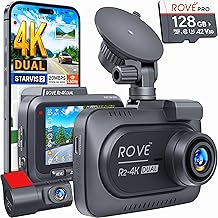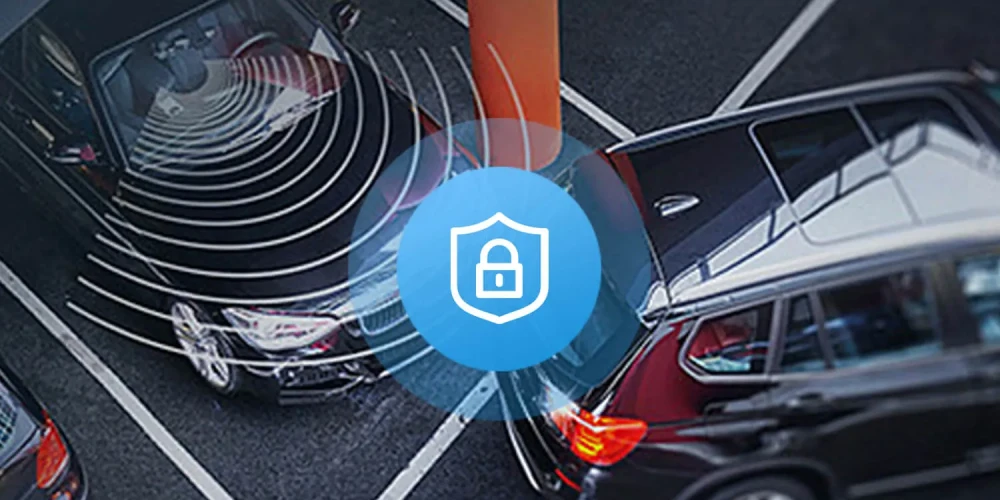
A G sensor on a dash cam is a built-in accelerometer that detects sudden impacts, sharp turns, or hard braking and automatically saves the footage to prevent it from being overwritten.
If you've ever wondered how dash cams manage to "know" when something important happens—like a fender bender or a sudden stop—it's not magic. It's a tiny but mighty piece of tech working quietly behind the scenes. The G sensor is one of the most underrated features on any dash cam, yet it's often the difference between having solid evidence or losing critical footage when you need it most. After years of testing dash cams and helping drivers pick the right one, I can tell you this: if your dash cam doesn't have a reliable G sensor, you're leaving yourself exposed. Stick around, and I'll walk you through exactly how it works, why it matters, and how to get the most out of it.
How a G Sensor Works in a Dash Cam
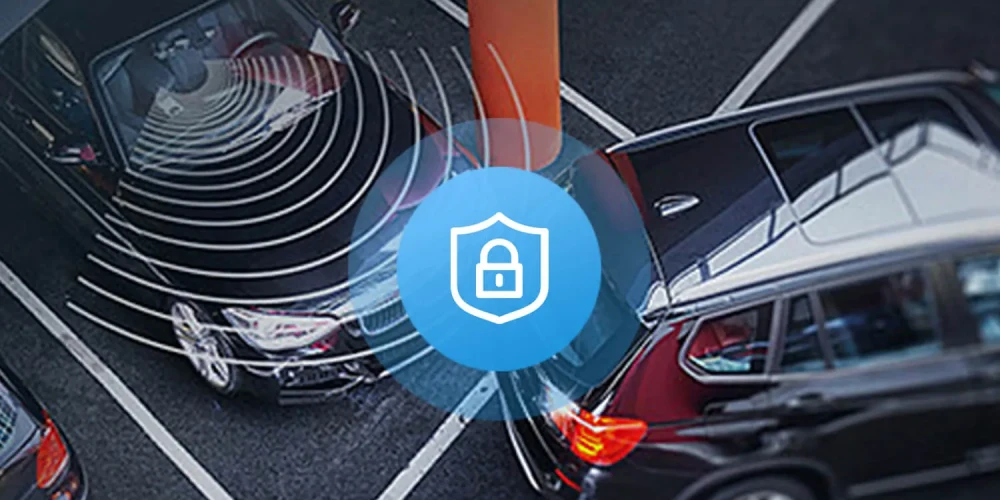
A G sensor, short for "gravity sensor," is essentially a small accelerometer. It measures the forces acting on your vehicle in real time—acceleration, deceleration, and lateral movement. The "G" stands for "gravitational force," and one G equals the standard pull you experience just standing still on Earth. When your car suddenly stops, swerves, or gets bumped, the sensor detects the change in force and triggers a response in the dash cam.
Think of it like this: your dash cam is always recording, but storage is limited. Older footage gets erased to make room for new clips. The G sensor acts like a smart filter, marking specific events as "important" so they don't get deleted. When the sensor picks up a spike—say, a collision or hard brake—it tells the dash cam to lock that file, keeping it safe in a protected folder.
Why a G Sensor Is a Must-Have Feature
Imagine you're driving home, and someone rear-ends you at a red light. Without a G sensor, your dash cam might still record the incident, but that footage could loop and get overwritten within a day or two. With a G sensor, the moment of impact is flagged instantly. The file is saved, protected, and ready when you need it—whether for an insurance claim, a police report, or a "he said, she said" dispute.
From my experience testing dozens of dash cams, I've seen how the G sensor has saved drivers countless headaches. One user told me how a hit-and-run in a parking lot was caught entirely because the G sensor triggered and locked the clip—without it, the footage would've been gone by the time he checked his camera.
How Sensitive Is the G Sensor?
Most dash cams let you adjust the sensitivity of the G sensor, usually with three settings: low, medium, and high. This is important because what counts as a "hard brake" for a semi-truck is different from what feels hard in a compact car.
- Low sensitivity is best for smooth drivers or rough roads where small bumps might falsely trigger the sensor.
- Medium sensitivity is the sweet spot for most daily drivers.
- High sensitivity is ideal for performance cars, off-roaders, or anyone who wants every little jolt recorded.
I usually recommend starting at medium and tweaking from there. If you find your memory card filling up with false triggers—say, from potholes or speed bumps—you'll want to dial it back. If you're missing real impacts, bump it up.
What Happens When the G Sensor Triggers?
When the sensor detects a significant force, here's what typically happens:
- The current recording is saved and locked into a separate, protected folder on the memory card.
- The dash cam continues recording normally afterward.
- Locked files are not overwritten during loop recording.
- Some advanced dash cams can even send an alert to your phone or upload the clip to the cloud automatically.
This automatic protection is what makes the G sensor so valuable. You don't have to fumble with buttons or remember to save a file in the heat of the moment. The camera does it for you.
Common Scenarios Where the G Sensor Activates
You might be surprised how often the G sensor kicks in during everyday driving. Here are a few common triggers:
- Sudden braking, even if you just missed a tail-gater.
- Sharp turns taken a little too quickly.
- Speed bumps or potholes hit at higher speeds.
- Minor parking lot bumps from other drivers.
- Actual collisions, whether major or minor.
In my own car, I once tapped a curb while parking, and the G sensor locked the footage. It turned out to be nothing, but it showed me just how sensitive the system can be—and how well it works.
Limitations of a G Sensor
While the G sensor is incredibly useful, it's not perfect. There are some situations where it might not perform as expected:
- Very slow-speed impacts might not trigger the sensor if sensitivity is set too low.
- Constant vibrations on rough roads can cause false triggers if sensitivity is set too high.
- Not all G sensors are created equal—cheaper dash cams may have less accurate sensors.
- The sensor can't predict accidents; it only reacts after a force is detected.
That's why I always recommend pairing your G sensor with other safety features like parking mode and GPS tracking. Together, they give you a much fuller picture of what happened before, during, and after an incident.
Tips for Getting the Most Out of Your Dash Cam's G Sensor
After years of recommending dash cams, I've picked up a few practical tips that can make a real difference:
- Use a high-quality memory card designed for dash cams, as constant writing and rewriting can wear out standard cards quickly.
- Format your memory card once a month to keep the file system clean and prevent errors.
- Check your locked files periodically to make sure the sensor is working properly and not filling your card with junk.
- Adjust sensitivity based on your driving style and road conditions—don't just leave it on the default setting.
- Keep your dash cam firmware updated, as manufacturers often improve sensor accuracy with software updates.
These small habits can save you from the frustration of discovering your footage wasn't saved when you needed it most.
How to Test If Your G Sensor Is Working
If you're not confident your G sensor is doing its job, there's an easy way to test it. Drive normally and then perform a firm but safe brake from about 30 mph. Check your dash cam's locked files folder afterward. If the clip from the braking moment is there, the sensor is working. If not, you may need to increase the sensitivity or check your settings.
I usually do this test every time I install a new dash cam. It takes less than a minute and gives me peace of mind that the system is ready when it matters.
Frequently Asked Questions About the G Sensor on a Dash Cam
Does the G sensor drain the dash cam battery?
The G sensor itself uses very little power. However, if parking mode is enabled and the dash cam monitors for impacts while parked, the camera will use more battery. Most hardwired setups or battery packs handle this easily.
Can I turn off the G sensor?
Yes, most dash cams allow you to disable the G sensor in the settings menu. However, I don't recommend turning it off unless you're using a manual save button instead.
How long are locked files stored?
Locked files stay on your memory card until you manually delete them or the card runs out of space. Since they're protected from loop recording, they won't be overwritten.
Will a G sensor trigger during a minor fender bender?
It depends on the sensitivity setting and the force of the impact. A minor bump may trigger a medium or high setting but not a low one. Adjust accordingly.
Is a G sensor the same as an accelerometer?
Yes, the terms are often used interchangeably. A G sensor is a type of accelerometer designed to measure gravitational forces and motion changes in a vehicle.
Final Thoughts on the G Sensor and Your Dash Cam
The G sensor might be a small component, but it plays a huge role in making your dash cam a reliable witness on the road. It quietly watches for sudden movements, reacts in milliseconds, and ensures the moments that matter most are never lost. From my years of hands-on testing, I can honestly say that once you drive with a dash cam that has a well-tuned G sensor, you'll never want to go back.
If you're shopping for a new dash cam or want to get more out of the one you have, take a few minutes to explore your G sensor settings. A little adjustment now could save you a lot of trouble later. And if you have questions or want to share your own dash cam experiences, drop a comment below—I'd love to hear your story.