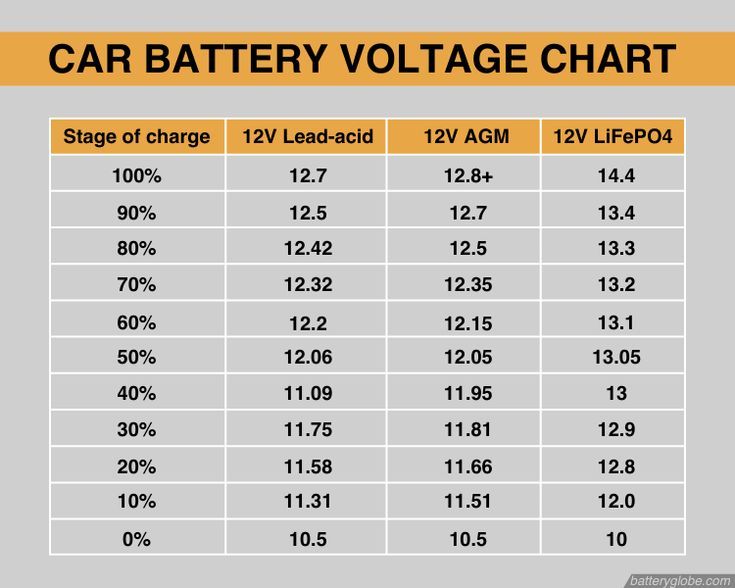
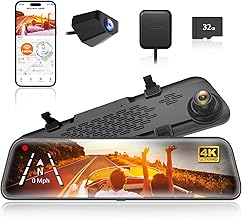
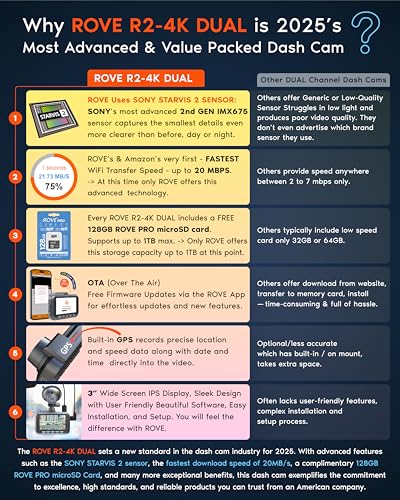
Using a dash cam is simple: mount it on your windshield, connect it to a power source, insert a memory card, and let it record your drive automatically. Once set up, it quietly captures everything on the road without you lifting a finger.
I've been driving with dash cams for years now, and I can tell you they have completely changed how I feel behind the wheel. There's a certain peace of mind that comes from knowing every moment on the road is being recorded. Whether it's a fender bender in a parking lot, a reckless driver cutting you off, or just a beautiful sunset on a long highway drive, a dash cam catches it all. If you've just bought one or are thinking about getting started, this guide will walk you through everything you need to know about how to use a dash cam the right way.
What Is a Dash Cam and Why You Need One
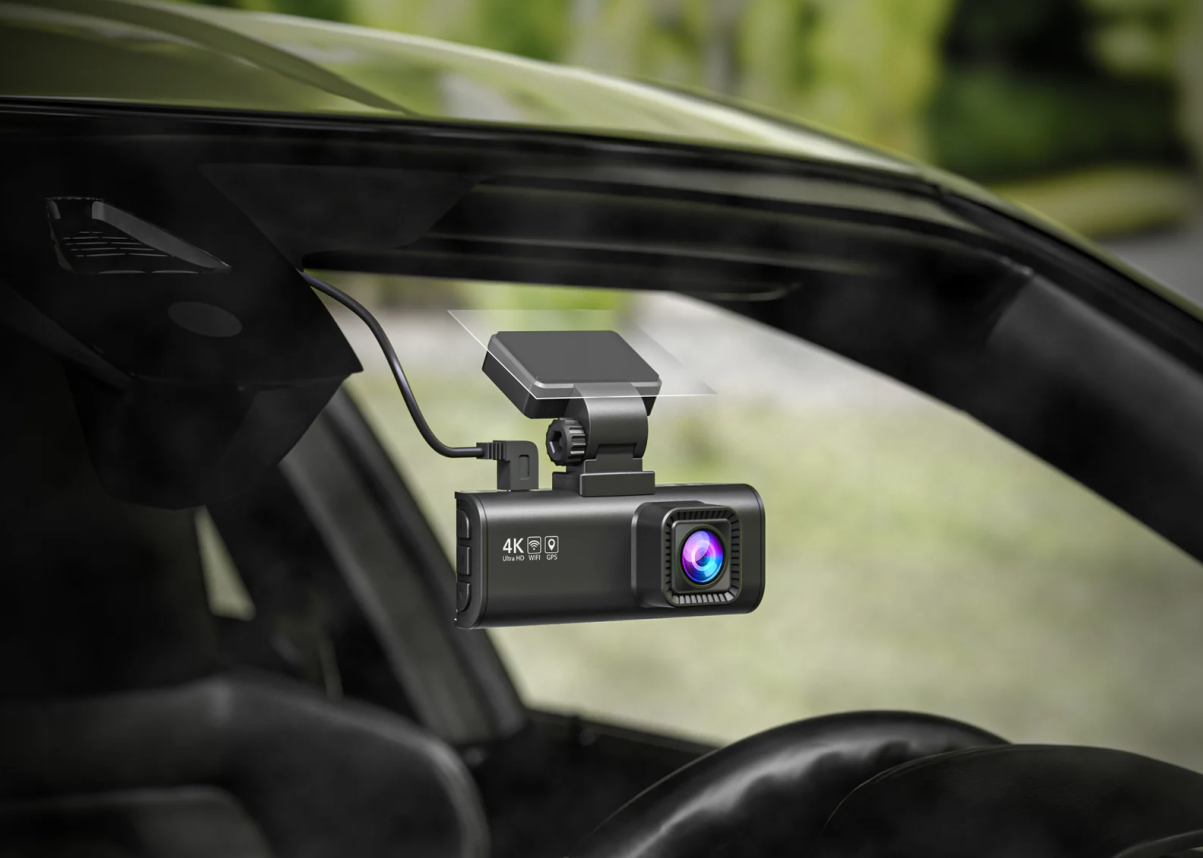
A dash cam, short for dashboard camera, is a small video camera that mounts to your car's windshield or dashboard. It records the view through your front window (and sometimes the rear too) while you drive. Most modern dash cams start recording automatically when you turn on your car and stop when you shut it off.
But why would you want one? Here are a few good reasons:
- It provides solid video proof in case of an accident or traffic dispute.
- It can protect you against insurance fraud and false claims.
- It helps capture hit-and-run incidents, even when you're parked.
- It records scenic drives, road trips, and unexpected moments.
- Some insurance companies even offer discounts for drivers who use dash cams.
Think of it like a black box for your car, always watching, always recording, and always ready to back you up when you need it most.
Choosing the Right Dash Cam for Your Needs
Before you learn how to use a dash cam, you need to pick the right one. Not all dash cams are the same, and choosing the wrong one can leave you with blurry footage or missing features.
Video Quality Matters
Look for a dash cam that records in at least 1080p Full HD. If your budget allows, go for 1440p or 4K. Clearer footage means you can actually read license plates and see faces, which makes a huge difference if you ever need to use the video as evidence.
Single vs. Dual Channel
A single-channel dash cam only records the front of your car. A dual-channel setup adds a rear camera to capture what's happening behind you. If you want full coverage, dual-channel is the way to go.
Key Features to Look For
- Loop recording: Automatically overwrites old footage when the memory card is full.
- G-sensor: Detects sudden impacts and locks that footage so it doesn't get deleted.
- Night vision: Improves recording quality in low-light conditions.
- GPS tracking: Logs your speed and location along with the video.
- Parking mode: Keeps recording even when your car is parked and turned off.
- Wi-Fi or app connectivity: Lets you view and transfer footage to your phone.
I've tried cheap dash cams and expensive ones, and the difference in video quality, especially at night, is night and day. Spending a little more upfront can save you a lot of frustration later.

How to Install a Dash Cam Step by Step
Now let's get into the actual setup. Installing a dash cam is easier than most people think. You don't need to be a car expert or hire a professional. Just follow these steps.
Step 1: Pick the Right Mounting Location
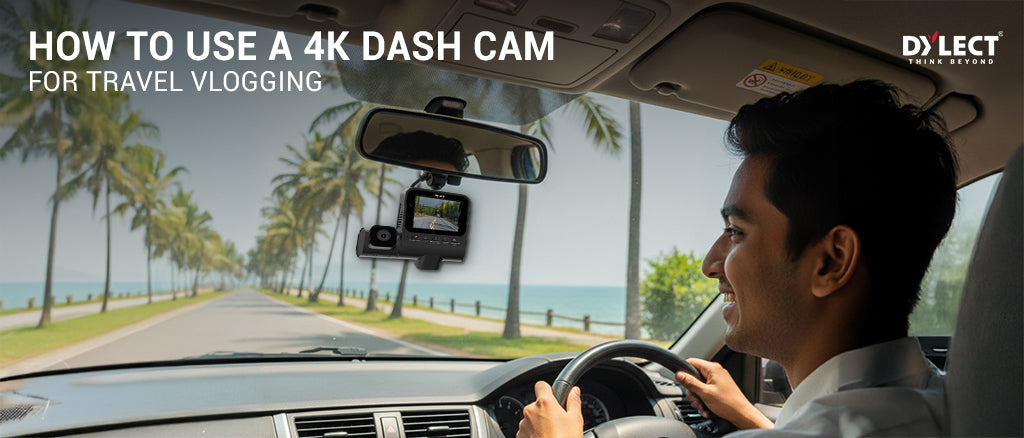
The best spot is usually behind your rearview mirror, slightly off to the passenger side. This gives you a clear view of the road without blocking your line of sight. Make sure the lens is centered and not obstructed by the windshield tint strip at the top.
Step 2: Clean the Windshield
Wipe the area where you'll mount the dash cam with a clean cloth. Any dust or grime can weaken the adhesive on the mount, causing the camera to fall off later.
Step 3: Attach the Mount
Most dash cams come with either a suction cup mount or an adhesive pad. Suction cups are reusable and easy to move, while adhesive pads are more permanent but hold stronger over time. Press firmly and let it sit for a few minutes before attaching the camera.
Step 4: Connect the Power Source
You have a few options here:
- Cigarette lighter socket: The easiest method. Just plug in the included car charger and route the cable along the edge of your windshield.
- Hardwiring kit: This connects the dash cam directly to your car's fuse box. It looks cleaner and enables parking mode, but you may want a professional to do it.
- USB port: Some newer cars have built-in USB ports near the mirror that work great for powering a dash cam.
Step 5: Insert the Memory Card
A dash cam needs a microSD card to store footage. Use a high-endurance card from a trusted brand, and make sure it's rated for continuous recording. Cheap cards tend to fail quickly under the constant write cycles of a dash cam.
Step 6: Adjust the Camera Angle
Turn on the dash cam and check the live view (either on the screen or through the app). Tilt the camera so it captures about 60% road and 40% sky. This gives you a balanced view of both the road ahead and the surroundings.
Configuring Your Dash Cam Settings
Once everything is mounted and powered, spend a few minutes going through the settings. Getting this part right will save you headaches down the road.
Set the Date and Time
This might seem obvious, but you'd be surprised how many people skip it. Accurate timestamps make your footage usable as evidence. Most dash cams can sync the time automatically through GPS, but it's worth double-checking.
Turn On Loop Recording
Loop recording lets the dash cam write over old files when the card fills up. Without it, your camera will stop recording once the memory is full. Set the loop length to 3 or 5 minutes per clip. This makes files easier to manage and review.
Enable the G-Sensor
The G-sensor detects sudden movements like hard braking, sharp turns, or collisions. When triggered, it automatically saves and locks the current footage so it won't be overwritten. Set the sensitivity to medium so it doesn't lock footage every time you hit a bump.
Adjust Video Resolution and Frame Rate
If your dash cam supports multiple resolutions, pick the highest one your memory card can handle. A 1080p setting at 30 frames per second is a good balance between quality and file size. Higher frame rates (60fps) are great for capturing fast-moving details like license plates.
Format the Memory Card Regularly
I recommend formatting your microSD card once a month. This keeps the file system healthy and prevents errors. Most dash cams have a format option right in the settings menu.
How to Use a Dash Cam While Driving
Here's the beautiful part: once your dash cam is set up, you really don't have to do much. It works quietly in the background, doing its job without getting in your way.
Let It Do Its Thing
A properly installed dash cam turns on when you start the car and starts recording right away. You don't need to press any buttons or fiddle with menus while driving. Just drive normally and let the camera handle the rest.
Check the Footage Occasionally
Every week or so, review some of the recorded clips. This helps you spot any issues, like a dirty lens, a misaligned angle, or a malfunctioning sensor. It also helps you get familiar with how the files are stored so you can find them quickly when needed.
Know How to Save Important Clips
If something happens on the road, like an accident or a near-miss, you need to save that footage before the loop recording deletes it. Most dash cams have an emergency lock button or a way to mark files as protected. You can also simply remove the microSD card and back up the files on your computer.
Use the App if You Have One
Many modern dash cams connect to your phone via Wi-Fi. The companion app lets you change settings, view live footage, and download clips without removing the card. It's super convenient, especially right after an incident.

How to Maintain Your Dash Cam for Long-Term Use
A dash cam is a small investment that can pay off big time, but only if you take care of it. Here are a few maintenance tips I've learned the hard way.
Clean the Lens Regularly
Dust, fingerprints, and road grime can build up on the lens over time. A quick wipe with a microfiber cloth every couple of weeks keeps your footage crystal clear.
Watch the Temperature
Extreme heat can damage a dash cam, especially in summer. If you park in direct sunlight often, consider a dash cam with a built-in supercapacitor instead of a battery. Supercapacitors handle heat much better.
Replace the Memory Card Every 1-2 Years
Even high-endurance cards wear out eventually. If you notice recording errors, corrupted files, or missing footage, it's probably time for a new card.
Check the Power Cable
Over time, the cable can loosen at the connection points. Make sure everything is plugged in snugly, and inspect the cable for any signs of wear or fraying.
Update the Firmware
Manufacturers often release firmware updates that fix bugs, improve performance, and add new features. Check the manufacturer's website every few months and install any available updates.
Common Mistakes to Avoid When Using a Dash Cam
I've made a few of these mistakes myself, so trust me when I say you'll want to avoid them.
- Buying the cheapest option: Low-quality cameras often produce grainy, unusable footage, especially at night.
- Using a regular microSD card: Standard cards aren't built for constant recording and fail quickly.
- Forgetting to format the card: Skipping this step leads to file errors and lost footage.
- Mounting in the wrong spot: A camera that blocks your view is both dangerous and illegal in some areas.
- Ignoring local laws: In some places, recording audio without consent is illegal, and dash cam placement rules vary. Check your local regulations.
Tips for Getting the Most Out of Your Dash Cam
Here are a few extra tips that can take your dash cam game to the next level.
- Use a polarizing filter: This reduces glare from the sun and makes footage look more cinematic.
- Add an external battery pack: This lets your dash cam run in parking mode for hours without draining your car battery.
- Set up a second camera: A rear-facing or interior camera adds extra protection and coverage.
- Label your files: Rename important clips with the date and a short description so you can find them easily later.
- Keep a spare memory card: If one card fails, a backup can save the day.

How to Access and Share Your Dash Cam Footage
Sometimes you'll need to pull footage off your dash cam quickly, whether it's for an insurance claim, a police report, or just to share a cool moment with friends. Here's how to do it.
Through the App
If your dash cam has Wi-Fi, the app is the fastest way. Connect your phone, browse the recorded files, and download what you need directly to your device.
By Removing the Memory Card
Take the microSD card out of the dash cam and insert it into your computer or phone using an adapter. Open the folder, find the file you want, and copy it over. This method is reliable and works even if your dash cam doesn't have Wi-Fi.
Through a Card Reader
If your computer doesn't have a microSD slot, grab a USB card reader. They're cheap, small, and make file transfers quick and easy.
Backing Up Important Clips
Don't wait until you need the footage to find out it's missing. Back up important clips to the cloud, an external hard drive, or your phone as soon as possible. I personally upload major incidents to a private cloud folder within 24 hours, just to be safe.
Legal Considerations When Using a Dash Cam
Before you hit the road with your new dash cam, it's smart to know the rules.
Where You Can Mount It
In most places, dash cams must be mounted in a spot that doesn't obstruct your view. Behind the rearview mirror is usually the safest choice. Avoid placing it in the area swept by your windshield wipers if your local laws require a clear windshield.
Recording Audio
Laws on recording audio vary widely. In some states and countries, you can record audio freely. In others, you need consent from everyone in the vehicle. When in doubt, turn off audio recording or let your passengers know.
Sharing Footage Online
If you upload a dash cam video to YouTube or social media, you may need to blur faces and license plates to protect privacy. Some platforms even have tools to help you do this.
Using Footage as Evidence
Dash cam footage is generally accepted in court and by insurance companies, but rules differ by jurisdiction. Make sure your footage has a visible timestamp, and never edit the original file before submitting it.

Frequently Asked Questions
Do dash cams work when the car is off?
Yes, but only if your dash cam has a parking mode feature and is either hardwired or connected to an external battery pack. Without power, it will shut off when you turn off the engine.
How long can a dash cam record?
It depends on your memory card size and video resolution. A 128GB card typically holds around 20-24 hours of 1080p footage. With loop recording, the camera will keep recording indefinitely by overwriting old files.
Can I use any microSD card in my dash cam?
Not really. You need a high-endurance microSD card from a reputable brand. Regular cards aren't designed for the constant writing that dash cams do and tend to fail quickly.
Will a dash cam drain my car battery?
If you use the cigarette lighter socket, the dash cam only draws power when the car is on. In parking mode with a hardwired setup, a small drain is possible, but most modern installations include a voltage cutoff to protect your battery.
Is it legal to use a dash cam in the US?
In most US states, yes. However, laws about mounting location and audio recording can vary. It's a good idea to check your local regulations to be sure.
Wrapping It All Up
Learning how to use a dash cam is one of the smartest things any driver can do. From picking the right model to installing it, tweaking the settings, and keeping it in good shape, the process is simple once you know the steps. A dash cam gives you an extra set of eyes on the road, protects you in case of accidents, and even captures those once-in-a-lifetime driving moments you never want to forget.
If you haven't set yours up yet, take a few minutes this weekend to install it and adjust the settings. Trust me, the peace of mind alone is worth it. And if you already have one running, now's a great time to check your footage, format your card, and make sure everything is working perfectly. Safe driving and happy recording. If you have questions or want to share your own dash cam tips, drop a comment below. I'd love to hear from you.