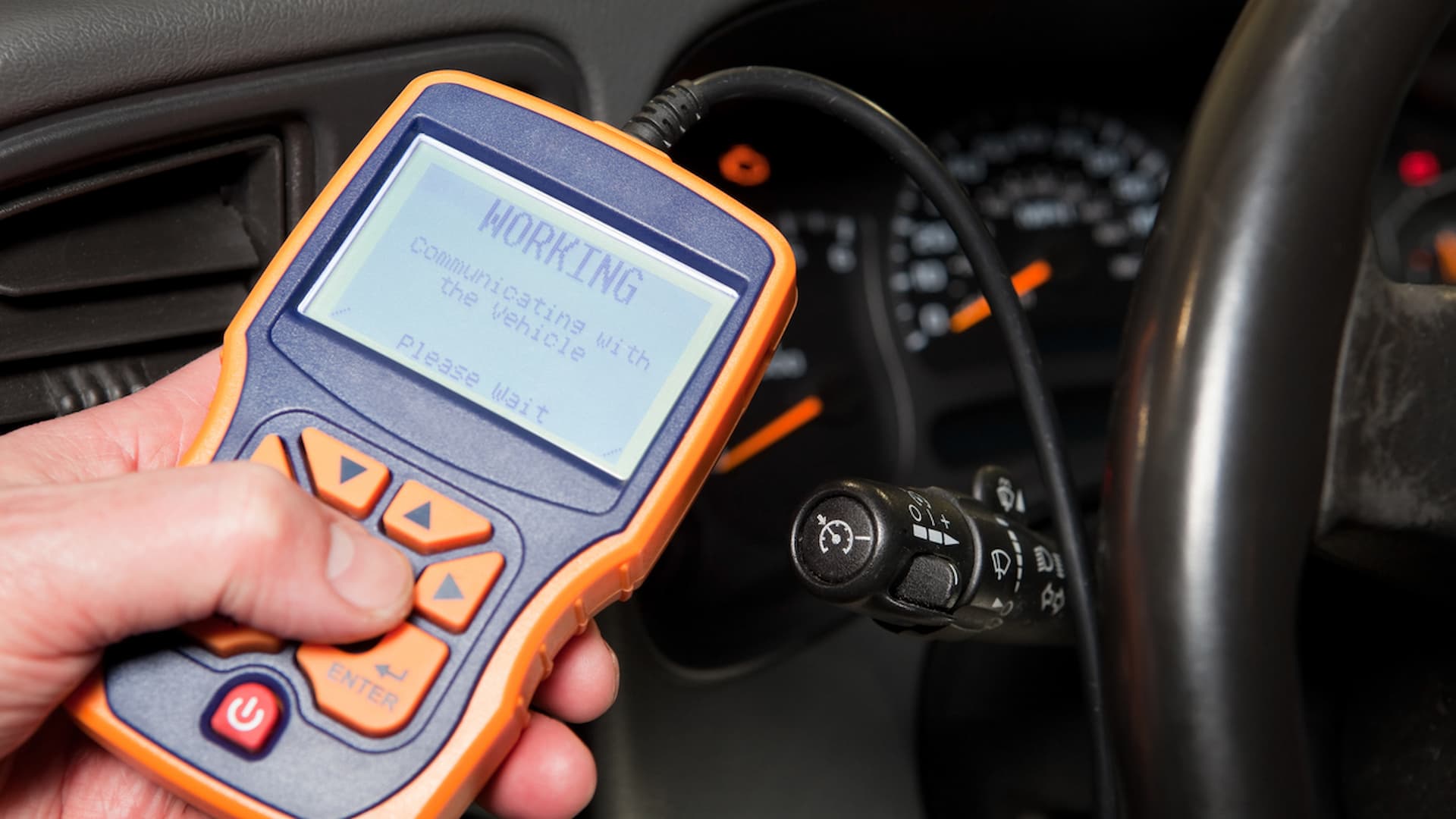
Plugging in an OBD2/EOBD scanner is the fastest way to read check engine codes, clear warning lights, and check live sensor data on any car built after 1996.
If you have ever stared at a glowing check engine light and felt that little pang of dread, you are not alone. I have been there too, hunched over the steering wheel, wondering if this was going to be a $40 fix or a $1,400 one. That is exactly the moment I fell in love with my first OBD2 scanner. It is one of those tools that makes you feel like you have a secret window into your car. Once you learn how to use an OBD2/EOBD scanner, you stop guessing and start knowing. In this guide, I will walk you through everything the way I wish someone had walked me through it years ago, so you can skip the confusion and get straight to the answers.

What Is an OBD2/EOBD Scanner and Why Every Driver Should Own One
An OBD2 scanner is a small device that plugs into your car's diagnostic port and talks to the engine computer. EOBD is simply the European version of the same system, so the tool works on both American and European vehicles made after 2001. Think of it like a stethoscope for your car, except instead of listening to a heartbeat, it reads the digital language your engine control unit speaks.
Before OBD2 existed, mechanics had to guess what was wrong. They would swap parts, test wires, and charge you by the hour. Today, that little scanner pulls the exact trouble code in seconds. It tells you which sensor is angry, why your light is on, and whether the issue is urgent or something you can schedule for later.
From my experience working on everything from old Hondas to newer turbocharged Subarus, owning a scanner saves me at least one unnecessary shop visit every year. If you drive, you should own one. It is the cheapest insurance policy in your glovebox.
Choosing the Right OBD2/EOBD Scanner for Your Needs
Not all scanners are created equal. Some are simple code readers, while others can adjust transmission settings, program keys, or even reconfigure body control modules. Picking the right one depends on what you want to do.
Basic Code Readers
These are perfect if you only want to read and clear check engine lights. They are affordable, easy to use, and usually connect through your phone via Bluetooth or WiFi. Apps like Torque, OBD Fusion, or Car Scanner turn your phone into the display.
Mid-Range Diagnostic Tools
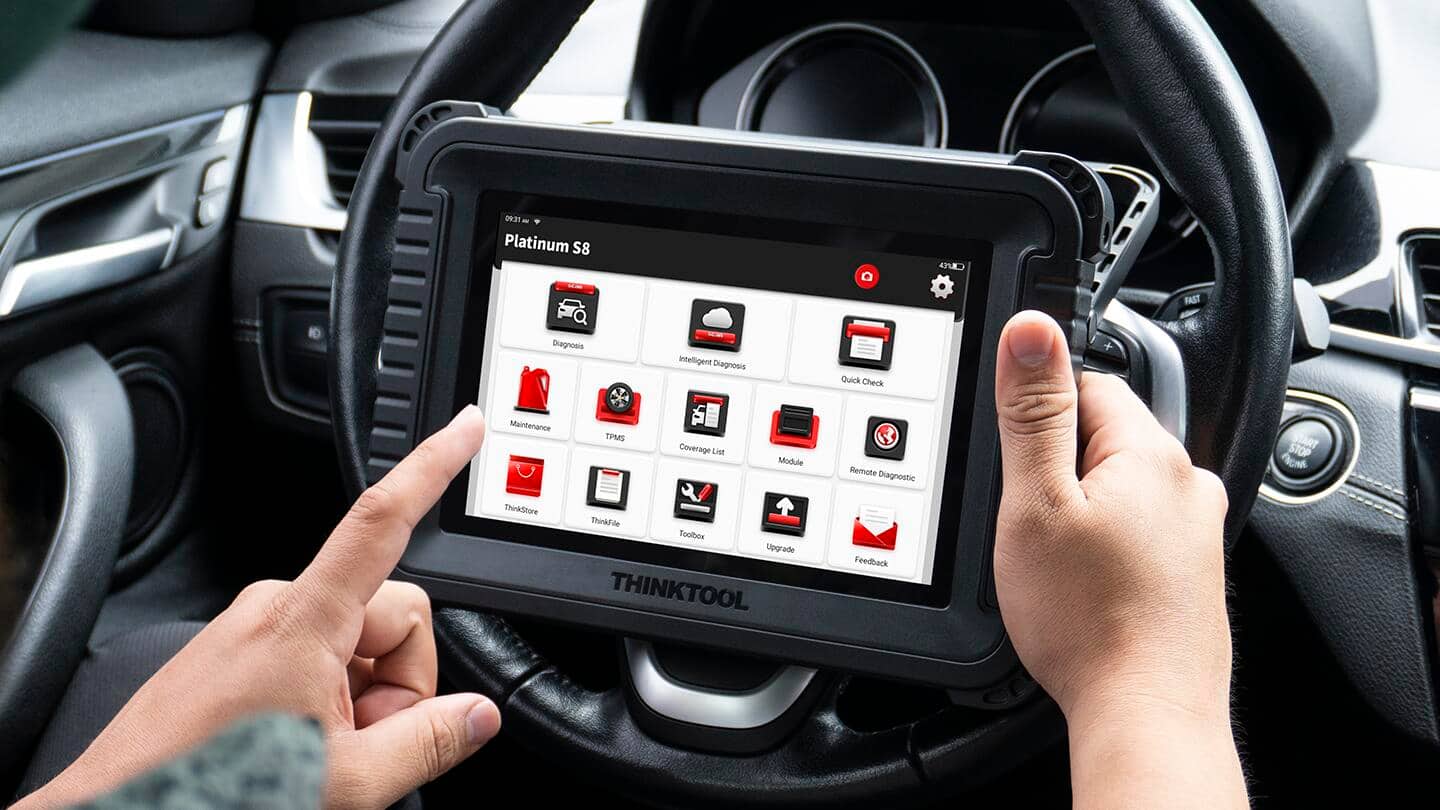
These handheld units, like the ones from Autel, Launch, or Foxwell, offer live data streaming, freeze frame data, and the ability to read codes from multiple systems, not just the engine. You can check ABS, airbag, transmission, and climate control.
Professional Grade Scanners
If you work on cars often or want dealership-level access, professional tools offer bi-directional controls, ECU coding, and full system diagnostics. They cost more, but they pay for themselves quickly if you use them regularly.
I usually recommend starting with a Bluetooth adapter and a good app. It is the best way to learn the basics before investing in something bigger. Once you feel comfortable reading live data, you can upgrade without wasting money on features you never use.

Locating the OBD2 Port in Your Vehicle
The OBD2 port is always inside the cabin, usually within three feet of the steering wheel. In most cars, you will find it under the dashboard, near the driver's knee area, often above the pedals or tucked behind a small cover.
Some European cars hide it behind ashtray panels, while a few oddballs, like certain VWs, put it near the center console. If you cannot find it, your owner's manual will show the exact location. It looks like a trapezoid-shaped connector with 16 pins arranged in two rows.
I remember hunting for mine in a used Volvo for a good five minutes before realizing it was hidden behind a small removable panel below the headlight switch. Once you see it, you will never miss it again. The port is standardized, so any OBD2 scanner will fit any car made after 1996 in the US or 2001 in Europe.
Step by Step Guide on How to Use an OBD2/EOBD Scanner
Using a scanner is easier than you think. I have walked friends through it over the phone, and they almost always get it on the first try. Here is the exact process I follow every time.
Step 1: Prepare Your Car and Tool
Make sure the ignition is off before plugging anything in. You do not want to send voltage through the port at the wrong moment. Open the app on your phone or power on your handheld scanner. Bluetooth adapters usually pair quickly once you connect them to the port.
Step 2: Connect the Scanner
Plug the OBD2 connector into the port. It only fits one way, so do not force it. You will feel it click into place. Turn the key to the ON position or start the engine, depending on the scanner's instructions.
Step 3: Pair or Launch the App
If you are using a Bluetooth scanner, open your phone's settings, pair the device, then launch the diagnostic app. The app will usually connect automatically. If you have a handheld unit, just follow the on-screen menu.
Step 4: Read the Codes
Navigate to "Read Codes" or "Diagnostic Trouble Codes." The scanner will pull both stored and pending codes. Stored codes are active problems, while pending codes are issues the car noticed but has not triggered the light for yet. This is one of my favorite features because it lets you catch small issues before they become big ones.
Step 5: Interpret the Data
Each code is a combination of one letter and four numbers. The letter tells you which system is affected: P for powertrain, B for body, C for chassis, U for network. The numbers narrow it down to a specific problem. A code like P0420 means catalyst efficiency below threshold, which usually points to a worn catalytic converter or oxygen sensor.
Step 6: Clear the Codes
Once you have repaired the issue, you can clear the codes. This turns off the check engine light. I always recommend fixing the problem before clearing, because the light is there for a reason. If you clear a serious issue, the car will reset its monitors, and you may fail an emissions test.

Understanding OBD2 Trouble Codes and Live Data
Codes are only part of the picture. Live data gives you real-time values from your sensors. You can watch coolant temperature, engine RPM, fuel trim, oxygen sensor voltage, and dozens of other readings as the car runs.
Fuel trim is one of the most useful data points. It tells you how much the engine computer is adjusting the fuel mixture. If short-term fuel trim stays above plus ten percent, your engine is running lean, which could mean a vacuum leak, dirty injector, or failing sensor. I caught a small vacuum leak in my daily driver this way, and a five-dollar piece of hose saved me from replacing an oxygen sensor.
Live data also helps you verify repairs. After fixing something, you can watch the values return to normal. That kind of confirmation is incredibly satisfying, and it builds your confidence as a DIY mechanic.
Common Mistakes to Avoid When Using an OBD2 Scanner
Even though the tool is simple, I have seen people make the same mistakes over and over. Here is what to watch out for.
Clearing Codes Without Fixing the Problem
This is the biggest mistake. The check engine light is a warning, not an annoyance. If you clear it without repairing the issue, the car will re-trigger it, and you will have erased valuable data that mechanics use to diagnose the problem.
Ignoring Pending Codes
Pending codes are early warnings. I once ignored a pending code for a misfire in my truck, and within two weeks it turned into a stored code and triggered the light. Addressing it early would have been cheaper and easier.
Using Cheap Clone Adapters
There are a lot of counterfeit Bluetooth adapters on the market. They connect, but they cut out, freeze, or fail to read certain systems. Stick with trusted brands like Vgate, OBDLink, or genuine Autel units.
Forgetting to Check for Software Updates
Scanners and apps get better over time. New codes, new vehicles, and new features are added regularly. Keeping your tool updated ensures it works with the newest cars on the road.
How to Use an OBD2/EOBD Scanner for Emissions Testing
If you live in a state or country that requires emissions testing, your scanner is your best friend. It lets you check readiness monitors, which are the tests your car runs on its systems. Before an emissions test, all monitors must show "Ready" or "Complete."
I always run a readiness check a day or two before my test. If a monitor is not ready, it usually means the car recently cleared its codes or had a battery disconnect. To fix it, you simply drive the car through its normal cycles, which usually means a mix of city and highway driving for about 50 to 100 miles.
This single feature has saved me from failing emissions tests and from paying for unnecessary diagnostic fees at the shop. It is one of those small habits that pays off every year.
OBD2 vs EOBD: What Is the Real Difference
The main difference is geography. OBD2 is the standard in the United States, while EOBD is the European equivalent. Functionally, they do the same job and use the same connector. If you buy an OBD2 scanner, it will work on European cars, and vice versa.
The slight differences come from emissions regulations. European cars often have stricter diesel monitoring, while American cars may focus more on gasoline-specific systems. Some advanced features might vary by vehicle, but for reading and clearing codes, the experience is identical.
If you travel with your car or buy imports, this is good news. You can use the same scanner everywhere.
Tips From Real Experience to Get the Most Out of Your Scanner
After years of using scanners on everything from lawn equipment to hybrid cars, I have picked up a few habits that make the experience smoother.
Always write down the codes before clearing them. I keep a small notebook in my glovebox for this. It sounds old-school, but it helps me track patterns over time.
Use freeze frame data. When a code triggers, the car saves a snapshot of what was happening at that moment. Engine load, RPM, coolant temperature, and vehicle speed are all recorded. This is gold when diagnosing intermittent problems.
Learn one new code each time. Instead of panicking when a light comes on, I treat it as a learning moment. Over the years, I have built a mental library of common codes, and now I can usually guess the problem before even plugging in the scanner.
Frequently Asked Questions About Using an OBD2/EOBD Scanner
Do OBD2 scanners work on all cars?
OBD2 scanners work on all cars and light trucks sold in the United States after 1996 and in Europe after 2001. Some heavy-duty trucks use different protocols, but for everyday passenger vehicles, compatibility is nearly universal.
Can using an OBD2 scanner damage my car?
No, using a scanner is safe as long as you follow basic steps. Do not unplug the scanner while the ignition is on, and avoid using knockoff tools that send incorrect commands. A standard code reader is completely risk-free for reading and clearing diagnostic trouble codes.
Will clearing codes reset my car's computer?
Clearing codes resets the check engine light and clears stored diagnostic data, but it does not wipe the entire ECU. The car relearns driving patterns quickly, usually within a few drive cycles. If you clear codes without fixing the issue, the light will return.
Do I need an app to use a Bluetooth OBD2 scanner?
Yes, Bluetooth and WiFi scanners require a companion app to display data. Popular choices include Torque Pro, OBD Fusion, and Car Scanner. These apps let you read codes, view live data, and customize dashboards.
Can an OBD2 scanner tell me if my car will pass emissions?
Yes, the scanner can run a readiness monitor check, which tells you whether your car has completed its self-diagnostic tests. If all monitors show ready, your car is likely to pass emissions. If any show not ready, you need to complete more driving cycles before testing.
Conclusion
Learning how to use an OBD2/EOBD scanner is one of the smartest things you can do as a driver. It puts real information in your hands, saves you money, and helps you understand your car on a deeper level. From reading trouble codes to checking live data and preparing for emissions tests, this little tool turns mystery lights into clear answers.
Start with a basic scanner, practice on your own car, and let curiosity guide you. Every time you plug it in, you will learn something new. If you found this guide helpful, share it with a friend who hates that check engine light, or drop a comment below with your favorite scanner tip.