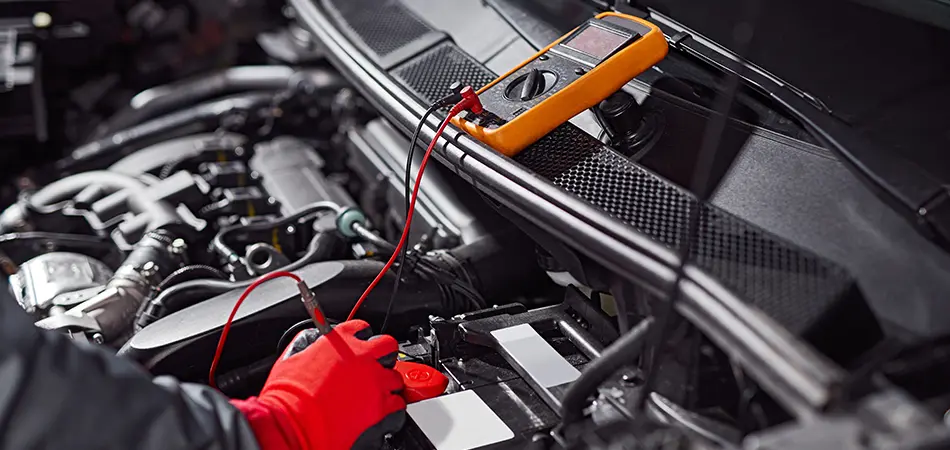
Hooking up an OBD2 scanner is a simple plug-and-play process that lets you read trouble codes and clear your check engine light in minutes. Whether you're a weekend DIYer or just trying to figure out why that annoying light came on, learning how to use an OBD2 scanner saves you time, money, and a trip to the mechanic.
I've been using these little devices for over a decade, on everything from old beater trucks to my wife's SUV. Trust me, once you understand the basics, you'll feel like you have a secret window into your car's brain. In this guide, I'll walk you through the exact steps to get started, plus share some hard-earned tips that will make the whole process smoother.
What Is an OBD2 Scanner and Why You Need One
An OBD2 scanner is a diagnostic tool that connects to your vehicle's onboard computer system. It reads trouble codes, monitors real-time data, and helps you understand what's going on under the hood without guessing.
The OBD2 port became standard in all cars and light trucks sold in the United States after 1996. That little 16-pin connector, usually found under the dashboard near the steering wheel, is your gateway to a wealth of information about your vehicle's health.
I remember the first time I used one on my old Honda Civic. The check engine light had been on for weeks, and the dealership wanted $120 just to tell me what was wrong. With a $30 scanner, I found out it was a loose gas cap. Five minutes and zero dollars later, the light was off. That's the power these tools give you.
Getting Started: What You Need Before You Begin
Before you connect anything, gather a few essentials to make the process smooth and frustration-free.
- A compatible OBD2 scanner (basic code readers start around $20, while advanced Bluetooth models connect to your phone)
- Your vehicle's owner's manual (helpful for locating the port)
- A smartphone or laptop (if using a wireless scanner)
- A pen and paper or notes app (to record codes and data)
- A safe, well-lit area to work
Not all scanners are created equal. Basic code readers just read and clear codes, while more advanced models can display live data, run emissions tests, and even program certain features. If you're just starting out, a simple scanner is perfectly fine.
Step-by-Step: How to Use an OBD2 Scanner
Using an OBD2 scanner is straightforward once you know the sequence. Follow these steps, and you'll be diagnosing like a pro in no time.
-
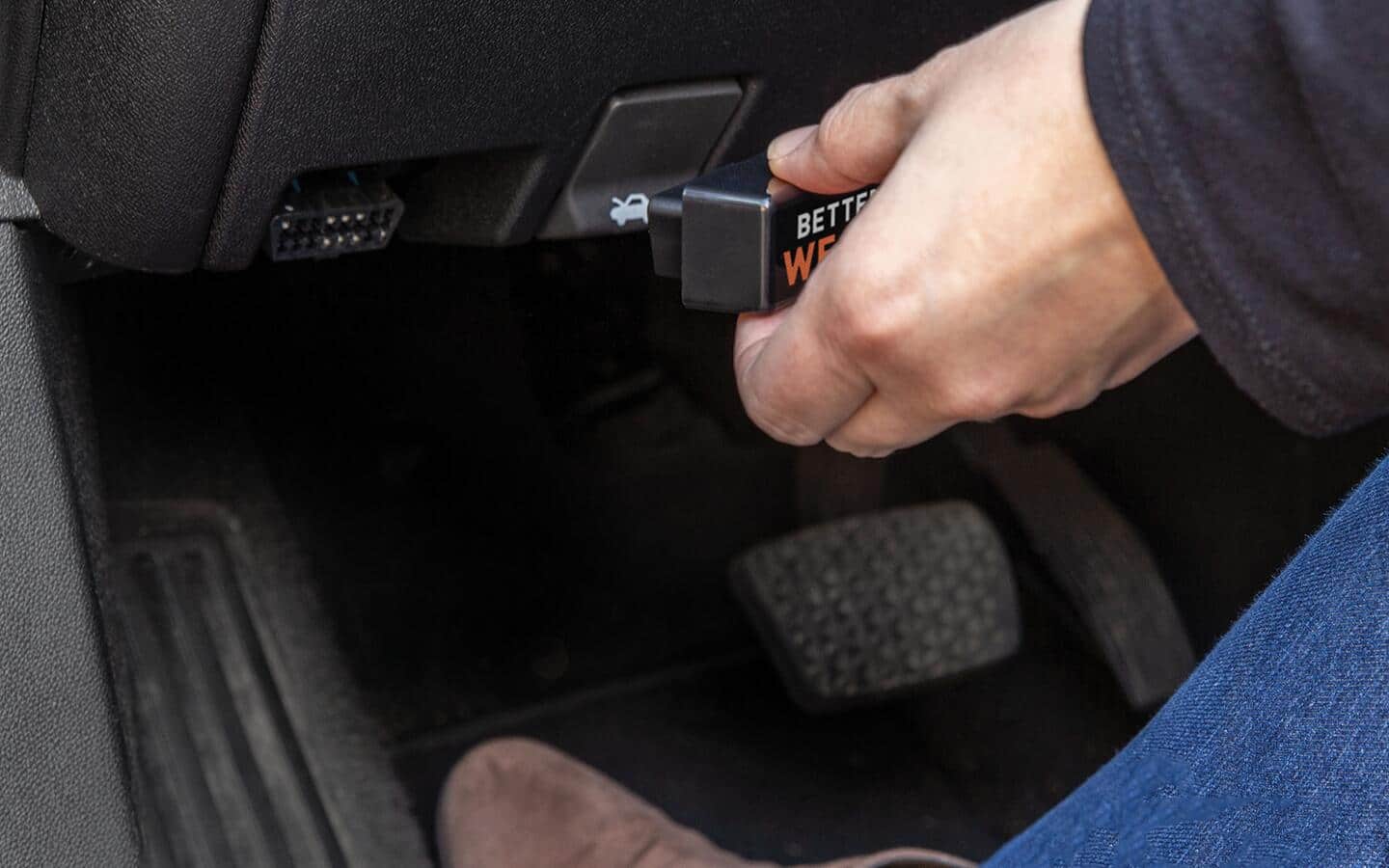
Locate your vehicle's OBD2 port. It's typically under the dashboard on the driver's side, often near the steering column. Some vehicles have it behind a small panel or cover. If you can't find it, check your owner's manual or look for a trapezoid-shaped connector.
-
Turn the ignition to the "on" position. You don't need to start the engine for most scanners, but the key should be in the "on" position so the vehicle's computer has power.
-
Plug in the scanner. The connector only fits one way, so don't force it. It should click into place easily. A red light or screen on the scanner usually indicates it's getting power.
-
Turn on the scanner and wait for it to boot up. Some models take a few seconds to establish communication with the vehicle's computer.
-
Navigate the menu to find "Read Codes" or "Diagnostic Trouble Codes." The exact wording varies by brand, but this option is usually front and center.
-
Select the option to read codes. The scanner will display any stored trouble codes, usually as a combination of letters and numbers like P0420 or P0171.
-
Write down or screenshot the codes. Don't rely on memory. Having the exact codes helps you research the problem later.
-
Look up the codes using the scanner's built-in library or a reliable online database. Most codes are standardized, so a P0301 means the same thing whether you're driving a Toyota or a Ford.
-
After repairs, use the "Erase Codes" or "Clear Codes" function to reset the check engine light. This only works if the underlying issue is fixed, so don't just clear codes without addressing the problem.
-
Test drive the vehicle. If the light stays off, you've successfully fixed the issue. If it comes back, there's likely an ongoing problem that needs further attention.
Understanding OBD2 Trouble Codes
Trouble codes might look like random letters and numbers at first, but they actually follow a logical system that tells you exactly where the problem is.
- The first letter indicates the system: P for powertrain, B for body, C for chassis, and U for network communication.
- The first number tells you if it's a generic code (0) or manufacturer-specific (1).
- The second number identifies the specific subsystem, like ignition, emissions, or transmission.
- The last two numbers pinpoint the exact fault.
For example, a P0301 code means there's a cylinder 1 misfire in the powertrain system. It's a generic code, so the same code means the same thing across most vehicle makes.
Tips From Real Experience
After years of using these tools on all kinds of vehicles, I've learned a few things that aren't always in the instruction manual.
Always check the basics first. Many codes point to simple issues like a loose gas cap, dirty mass airflow sensor, or worn spark plugs. Don't assume the worst.
Be careful with used scanners. Make sure they're compatible with your vehicle. Some older models don't work with newer cars, and some cheap knockoffs give inaccurate readings.
Live data is your friend. If your scanner supports it, the live data stream can help you diagnose intermittent problems that don't always trigger a code. Watching sensor values in real time is like having X-ray vision for your engine.
Don't clear codes before diagnosing. Clearing the code erases valuable information that mechanics or online resources might need to help you. Always read and record codes before clearing them.
Choosing the Right Scanner for Your Needs
The scanner that's right for you depends on your budget, technical comfort level, and what you want to accomplish.
Basic code readers are perfect for occasional use. They read and clear codes, and some show pending codes. They're affordable and simple, which is great if you just want to know why your check engine light is on.
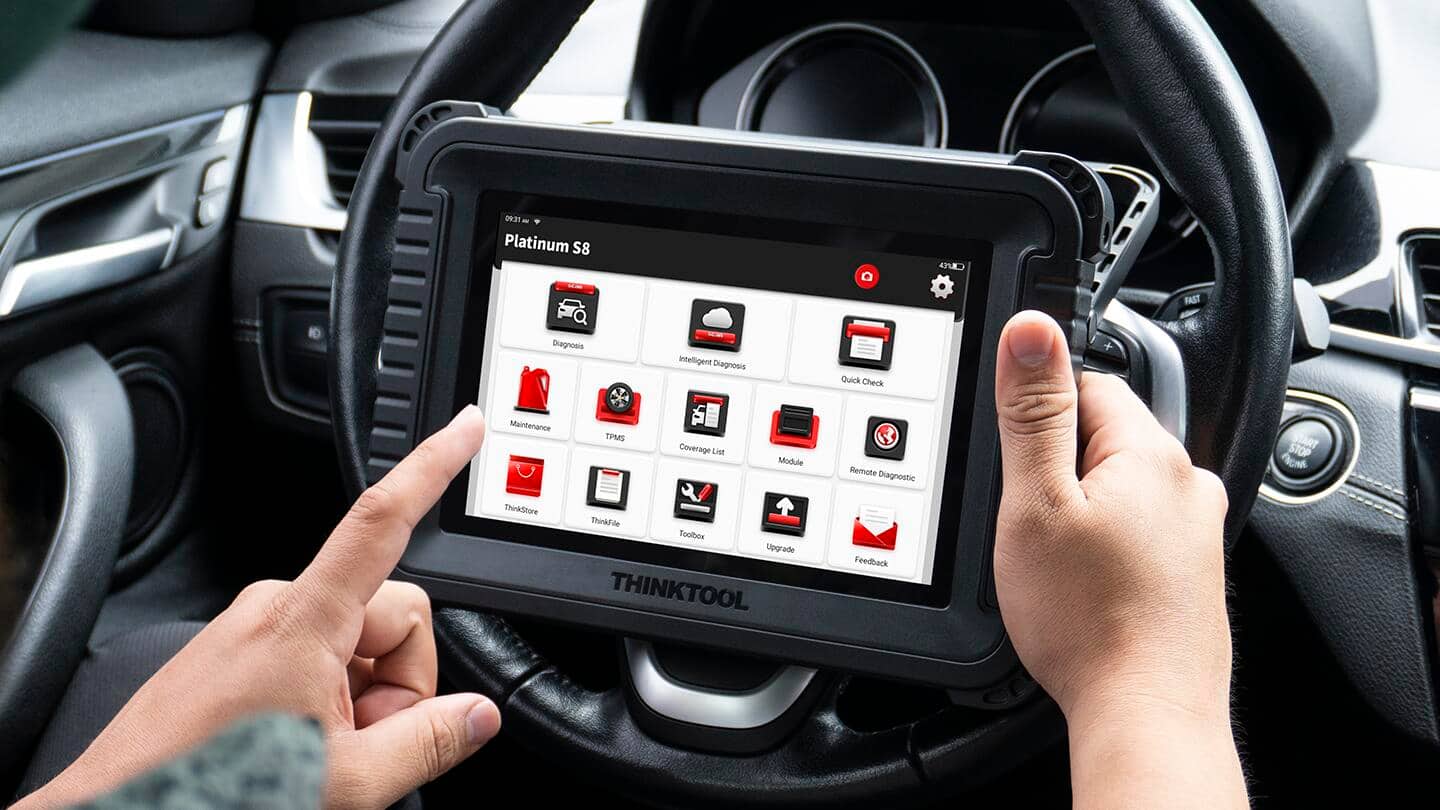
Mid-range handheld scanners offer more features, like ABS and airbag code reading, live data, and the ability to run specific tests. They're a good middle ground for DIY enthusiasts who work on their own cars regularly.
Bluetooth scanners that pair with your phone are increasingly popular. They offer full functionality through an app, often with better interfaces and regular updates. Plus, you already have the screen in your pocket.
Professional-grade scanners are expensive but offer dealer-level capabilities. Unless you're a mechanic, you probably don't need one. The features are overkill for most home users.
Common Mistakes to Avoid
Even though using an OBD2 scanner is simple, there are a few pitfalls that can trip up beginners.
Assuming the scanner tells you exactly what's wrong. A code tells you what system is having a problem, but not necessarily why. Further diagnosis is often needed to pinpoint the exact cause.
Clearing codes without fixing the problem. If the underlying issue isn't resolved, the light will come back, and you might damage your vehicle or fail an emissions test.
Buying the cheapest scanner available. While you don't need to spend a fortune, extremely cheap scanners often have poor build quality and limited compatibility. Spend a little more for reliability.
Ignoring manufacturer-specific codes. Generic codes are universal, but manufacturer-specific codes require additional research for your particular vehicle. Don't ignore them if you see them.
Forgetting to check the port. Sometimes the OBD2 port has a cover or is tucked away in a hard-to-reach spot. Take your time locating it rather than forcing the connector.
Frequently Asked Questions
Do OBD2 scanners work on all cars?
OBD2 scanners work on all cars and light trucks sold in the United States after 1996. Some scanners also work on vehicles from other countries, but compatibility varies. Always check your specific vehicle's model year and the scanner's compatibility list before purchasing.
Can using an OBD2 scanner damage my car?
No, using an OBD2 scanner properly will not damage your vehicle. The scanner only reads data from the computer and cannot send commands that affect engine performance. Just make sure you use a reputable scanner and follow the instructions carefully.
Will an OBD2 scanner tell me exactly what's wrong?
An OBD2 scanner tells you what system is triggering a code, but not always the exact cause. For example, a code for a lean fuel condition could be caused by a vacuum leak, faulty sensor, or fuel delivery issue. Further diagnosis is often needed to identify the specific problem.
How much should I spend on an OBD2 scanner?
Basic code readers start around $20, while professional-grade models can cost several hundred dollars. For most home users, spending between $30 and $100 provides a good balance of features and reliability. Bluetooth scanners that work with your phone often offer the best value.
Can I use my phone as an OBD2 scanner?
Yes, with a Bluetooth or WiFi OBD2 adapter and a compatible app, you can turn your phone into a powerful diagnostic tool. Apps like Torque, BlueDriver, and OBD Fusion offer features that rival expensive handheld scanners, often at a fraction of the cost.
Conclusion
Learning how to use an OBD2 scanner is one of the most valuable skills you can pick up as a car owner. It empowers you to understand your vehicle, save money on repairs, and catch small issues before they become expensive problems.
Start with a basic scanner, follow the steps outlined above, and don't be afraid to dig into the data. The more you use it, the more confident you'll become. Before you know it, you'll be the friend everyone calls when their check engine light comes on.
If you found this guide helpful, share it with someone who might benefit. And feel free to drop a comment below with your own experiences or questions about using OBD2 scanners.