Image source: Pexels / Victor Miyata (Pexels License)
When your car is parked, it's still vulnerable to bumps, scrapes, and even deliberate vandalism. That's where parking mode on a dash cam steps in, acting as an essential layer of security. It allows your camera to keep an eye on things even when the engine is off, capturing potential incidents you might otherwise miss.
Understanding what is parking mode on a dash cam means grasping its function as an automated surveillance system for your vehicle. This powerful feature leverages its sensors to detect activity and conserve battery power, offering round-the-clock protection. Manufacturer specifications confirm that most modern dash cams designed for continuous operation in parked vehicles include this capability.
Quick Answer
Parking mode on a dash cam records video when the car is off. It uses motion or impact detection. This saves the vehicle's battery.
It provides evidence of incidents. Dedicated hardwiring kits ensure safe power delivery.
Why Parking Mode Matters for Your Car's Safety
Think about the times your car sits idle, at work, the grocery store, or even in your own driveway. These are prime moments for fender benders, unexplained dents, or vandalism. Without a witness, proving what happened and who was responsible can be incredibly difficult, often leading to disputes or out-of-pocket expenses.
Parking mode addresses this directly. It transforms your dash cam from a driving recorder into a stationary security camera for your vehicle. This continuous vigil is invaluable for documenting unexpected events.
It provides concrete evidence, which is vital for insurance claims or reporting to authorities. For example, aggregate user reviews consistently highlight its benefit in capturing hit-and-run incidents in parking lots.
How Dash Cam Parking Mode Actually Works
At its core, parking mode keeps your dash cam "awake" and ready to record, but it does so intelligently to avoid draining your car's battery. Instead of continuous recording, it relies on sensors to detect activity.
What Triggers Parking Mode Recording?
When your dash cam enters parking mode, it essentially goes into a low-power standby state. It’s not recording video constantly, which would quickly drain even a robust car battery. Instead, it’s waiting for a specific stimulus.
- Motion Detection: This feature uses the camera’s lens to spot movement within its field of view. If a person walks by, a car pulls in close, or something moves in front of your vehicle, the camera activates and begins recording. This is a common trigger for general surveillance.
- Impact Detection (G-Sensor): Every dash cam has a G-sensor, which detects vibrations and impacts. If your car is bumped, even slightly, or experiences a jolt, the G-sensor registers this anomaly. This triggers the camera to save the footage leading up to and during the impact. This is critical for capturing accidents or vandalism.
These triggered recordings are typically short clips, capturing a few seconds before the event and a few seconds after. This conserves storage space and battery life while ensuring you get the crucial moments.
Powering Your Dash Cam's Parking Mode: Key Options
The biggest concern with parking mode is battery drain. You don't want your dash cam to leave you stranded with a dead car battery. Thankfully, there are a few well-established ways to power this feature safely.
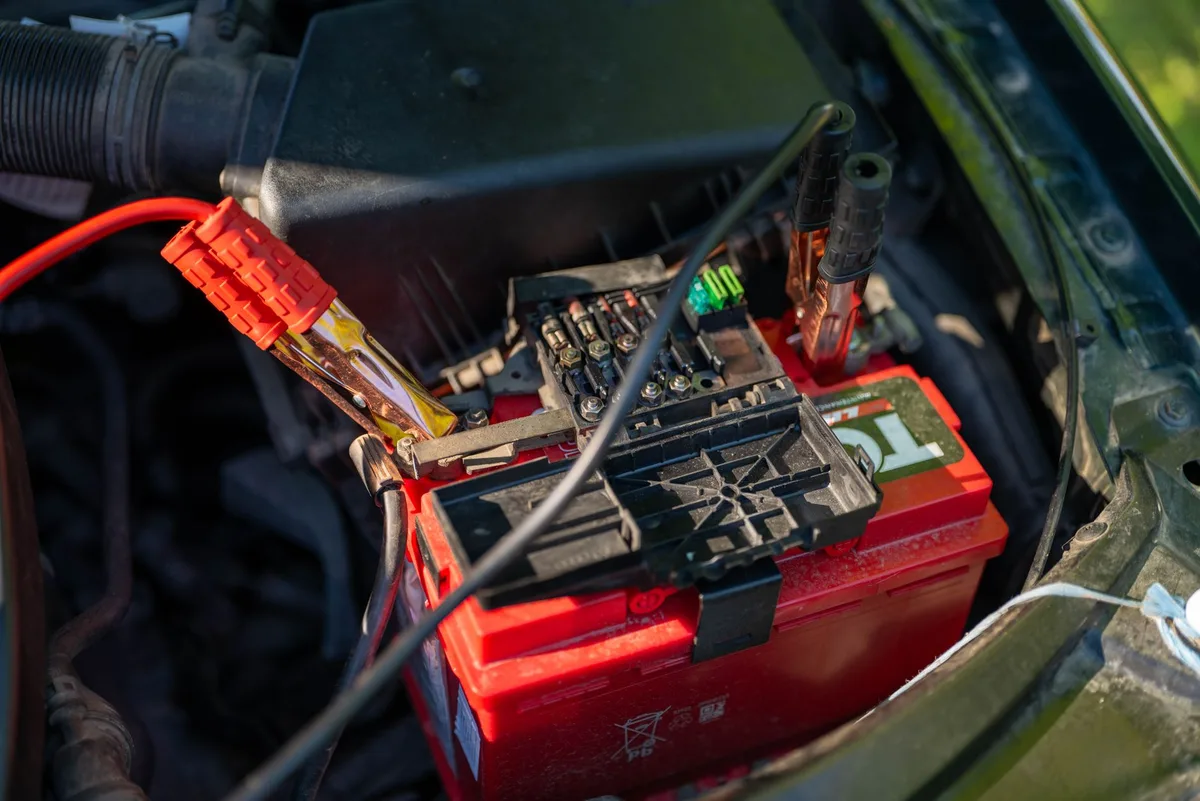
Image source: Pexels / Vladimir Srajber (Pexels License)
Understanding Hardwiring and Battery Kits
The most common and reliable method is using a dedicated hardwiring kit. This kit connects your dash cam directly to your car's fuse box. This bypasses the cigarette lighter socket, which typically only has power when the ignition is on.
Crucially, these kits include a low-voltage cut-off feature.
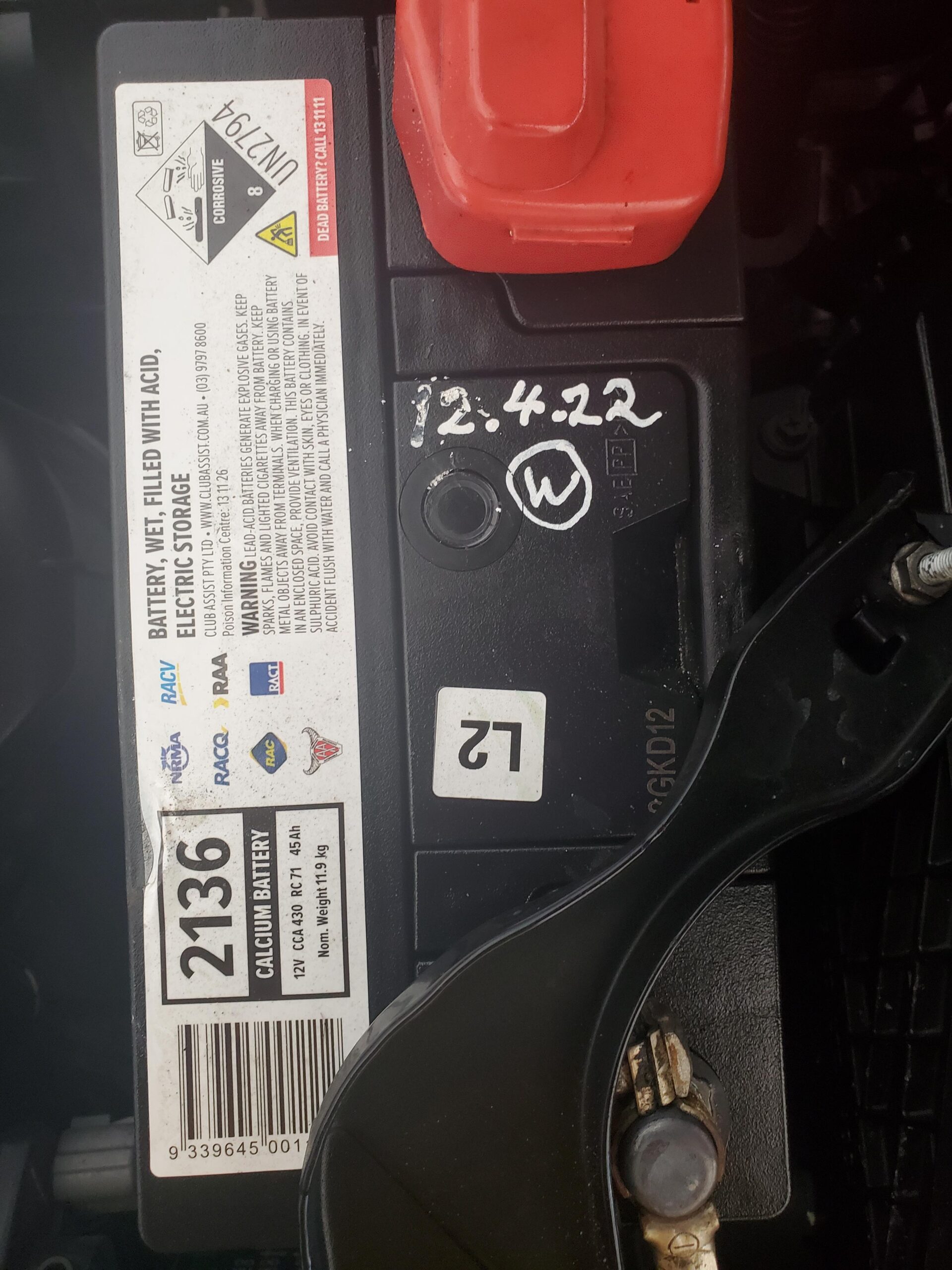
This low-voltage cut-off is a critical safety mechanism. It monitors your car's battery voltage and automatically shuts off the dash cam once the voltage drops to a predetermined level. This prevents the dash cam from completely draining your battery, ensuring you can still start your car.
The exact cut-off voltage is often adjustable, allowing you to tailor it to your vehicle’s needs. For example, most automotive batteries should not be discharged below 12.0V by accessories.
The External Battery Pack Alternative
An alternative to hardwiring into your car's battery is using an external battery pack designed for dash cams. This pack acts as an intermediary. You charge the battery pack while you're driving, and then it powers the dash cam when the car is turned off.
This approach completely isolates the dash cam’s power draw from your car's main battery. This is a fantastic option if you have a sensitive electrical system, are concerned about battery longevity, or simply prefer a less invasive installation. These packs vary in capacity, offering different recording times before needing a recharge.
Some can power a dash cam for 24 hours or more of standby monitoring.
Essential Parking Mode Features to Look For
When you're choosing a dash cam or checking its capabilities, a few features related to parking mode really stand out. These enhance its effectiveness and your experience.
Motion Detection Sensitivity
How sensitive is the motion detection? You want it to pick up relevant activity without being tripped by every passing car or blowing leaf. Many dash cams allow you to adjust this sensitivity.
This means you can fine-tune it to your specific parking environment, reducing unnecessary recordings and saving storage space, as well as battery life if applicable.
Impact Detection (G-Sensor) Settings
The G-sensor’s sensitivity is just as important. You’ll want to be alerted to actual impacts, not just the rumble of a passing truck. Look for dash cams that offer adjustable G-sensor settings.
This lets you set thresholds for recording. You can calibrate it to trigger on everything from a minor bump to a significant collision.
Image source: Pexels / Erik Mclean (Pexels License)
Battery Protection: Low-Voltage Cut-off
As mentioned, this is non-negotiable if you’re hardwiring. Ensure the kit explicitly states it has a low-voltage cut-off. These systems are designed to protect your car's battery from over-discharge, which can permanently damage the battery.
Per automotive electrical standards, maintaining battery health is paramount, and this feature is key to that.
Common Pitfalls and Mistakes with Parking Mode
Even with the best intentions, setting up and using parking mode can sometimes lead to frustration. Understanding common issues can help you avoid them.
Avoiding Accidental Battery Drain
The most frequent mistake is neglecting to use a proper hardwiring kit with low-voltage cut-off, or one that's incorrectly configured. If the dash cam continuously draws power without this safeguard, you’ll wake up to a dead battery. Always confirm your hardwiring kit’s specifications and installation.
Ensure the cut-off